Safety that doesn't depend on memory
An unsafe situation gets recorded the moment someone sees it, with a photo attached, and goes straight to whoever can act on it.
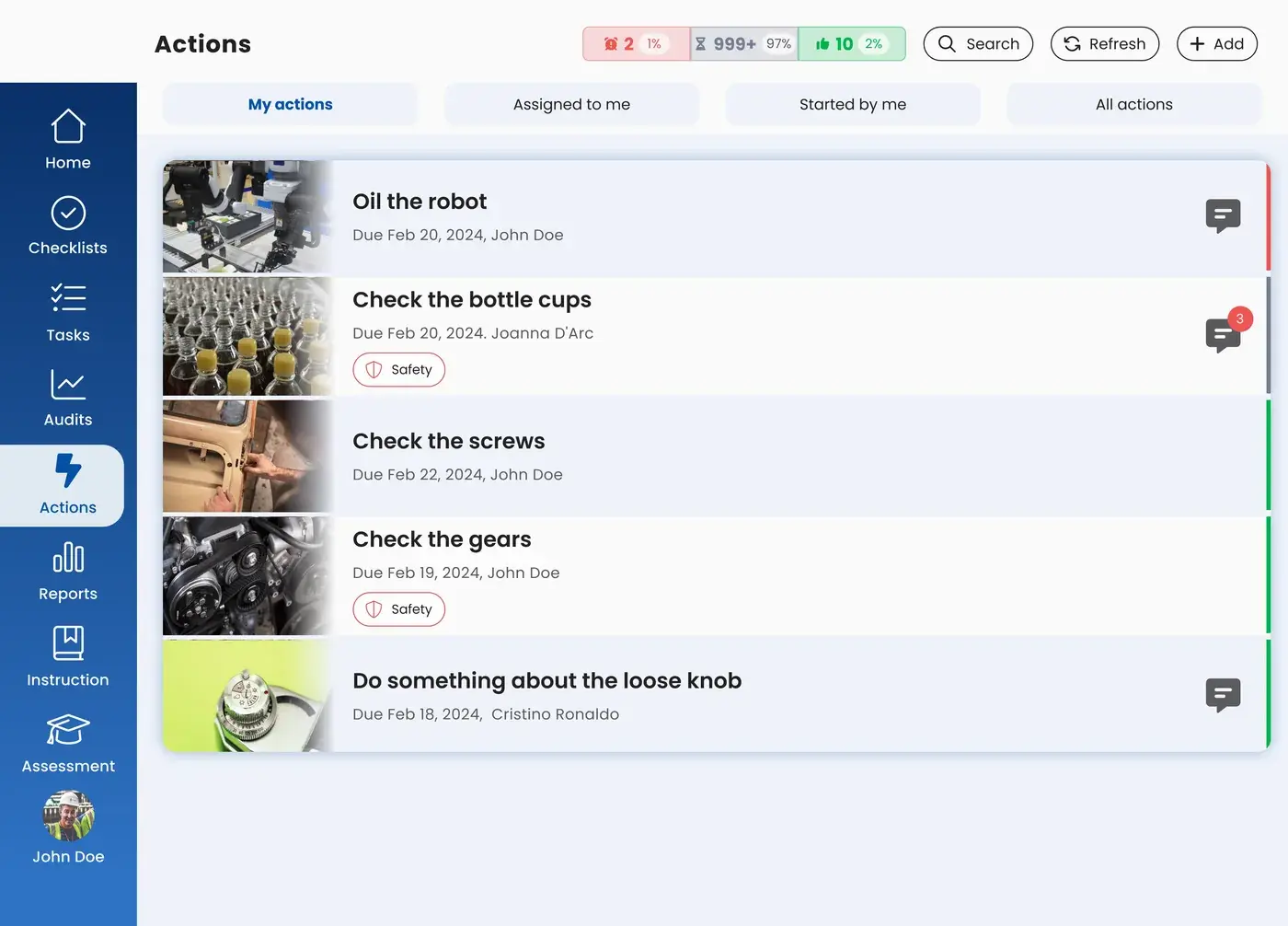
An operator is usually the first to see and hear when something's off. With actions in the EZ-GO platform, he reports it on the spot, with a photo or video attached, and it reaches the right person instead of getting lost in a conversation no one remembers.
Trusted by
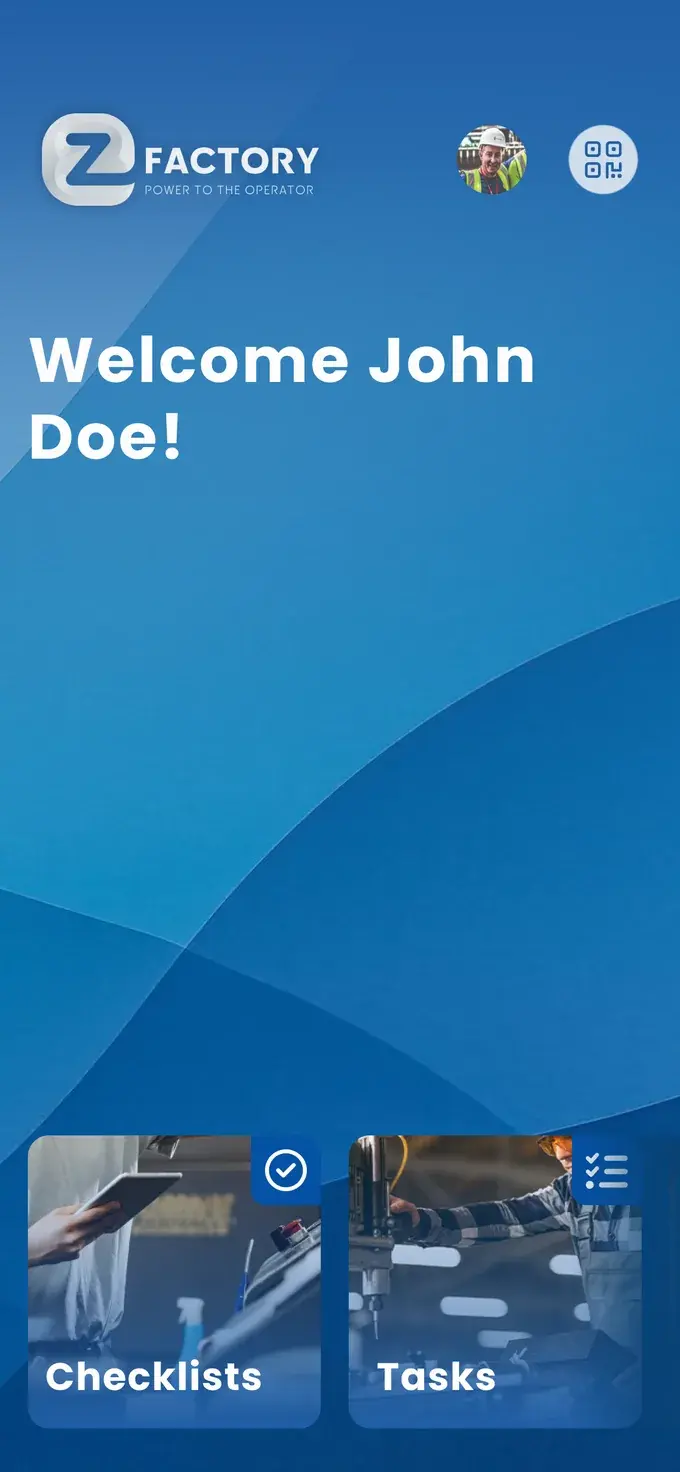
An action is a report of a deviation from the standard or an improvement idea, created by whoever spots it. Anyone working in the platform can create one: from a checklist, a task, an audit, or right in the moment something catches their attention. You add a photo or video, link the action to an owner, and that person gets an email notification. You can communicate about the action itself, so the question of whether something's been picked up gets answered in the system instead of in the hallway. Actions can be connected to maintenance systems like SAP PM and Ultimo.
You stop by the team lead's desk, because that belt is making a strange noise. He nods, says he'll take a look, and moves on to the next problem. Not out of unwillingness, but because four other things are competing for his attention that same morning.
Two weeks later, the line goes down. It turns out three people had noticed, and none of it was ever written down anywhere.
A signal that stays verbal depends on the memory of someone who's already busy. An improvement idea that never lands anywhere doesn't come a second time. And someone who reports something three times without ever hearing back stops reporting the fourth time. That's exactly how you lose the people who spot problems the fastest.
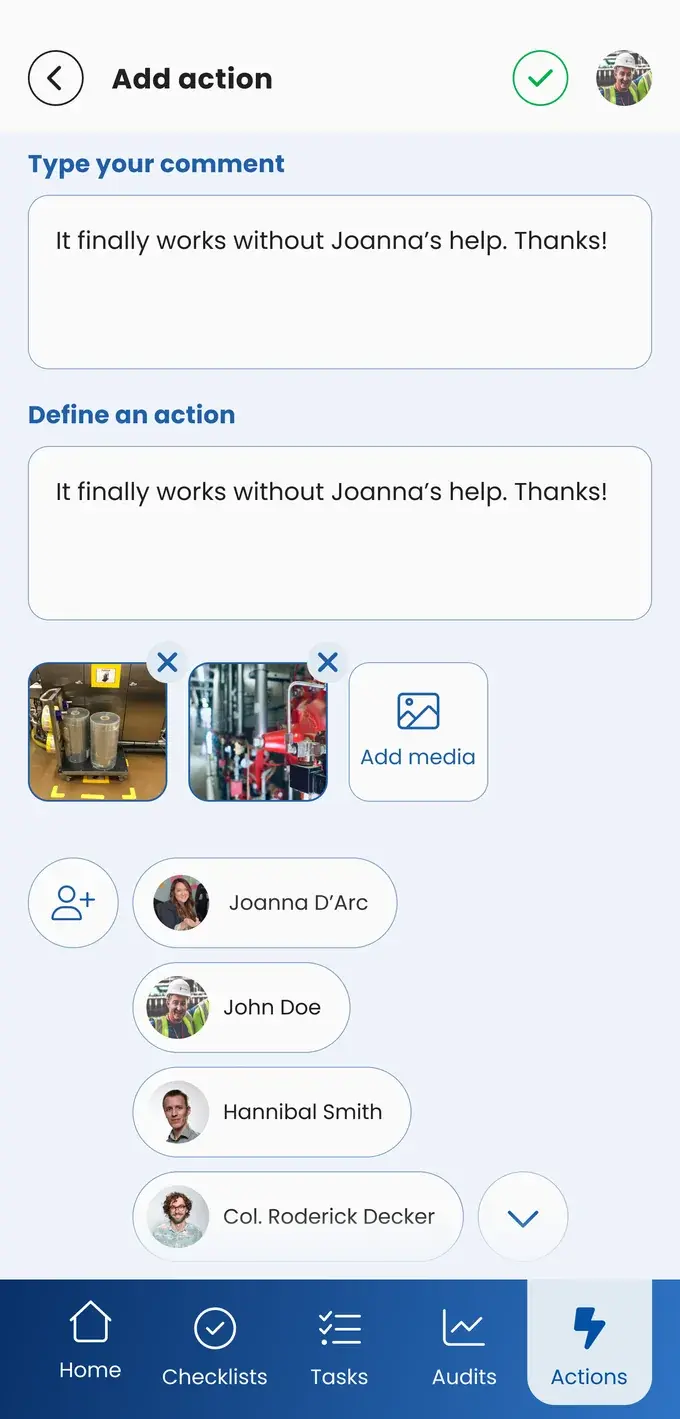
From a checklist, a task, an audit, or right in the moment it catches your attention. Add a photo or video, since an image says more than a description written up later.
That person gets an email notification and sees the action in their own overview.
Communicate about the action in the platform, so everyone can see the status. If you work with SAP PM or Ultimo, the action connects to the maintenance process you already have.
An unsafe situation gets recorded the moment someone sees it, with a photo attached, and goes straight to whoever can act on it.
Deviations from checklists and audits become actions with an owner. That means you can later show exactly what was flagged and what happened with it.
No more sticky notes, chat messages, or hallway conversations. What's open lives in one place, and whoever needs to pick it up knows it.
New colleagues often spot what others have stopped seeing. They submit it as an improvement suggestion, with a photo, so they have a say from their first week.
Operators are the eyes and ears of the shop floor. They see and hear things first, and with actions, they can act on that themselves. Not just flagging a problem, but passing along an improvement idea too.
That carries through into engagement. When someone notices that his report gets picked up and something actually changes, he'll report again next time. That's the difference between a team that thinks along with you and a team that just shrugs.
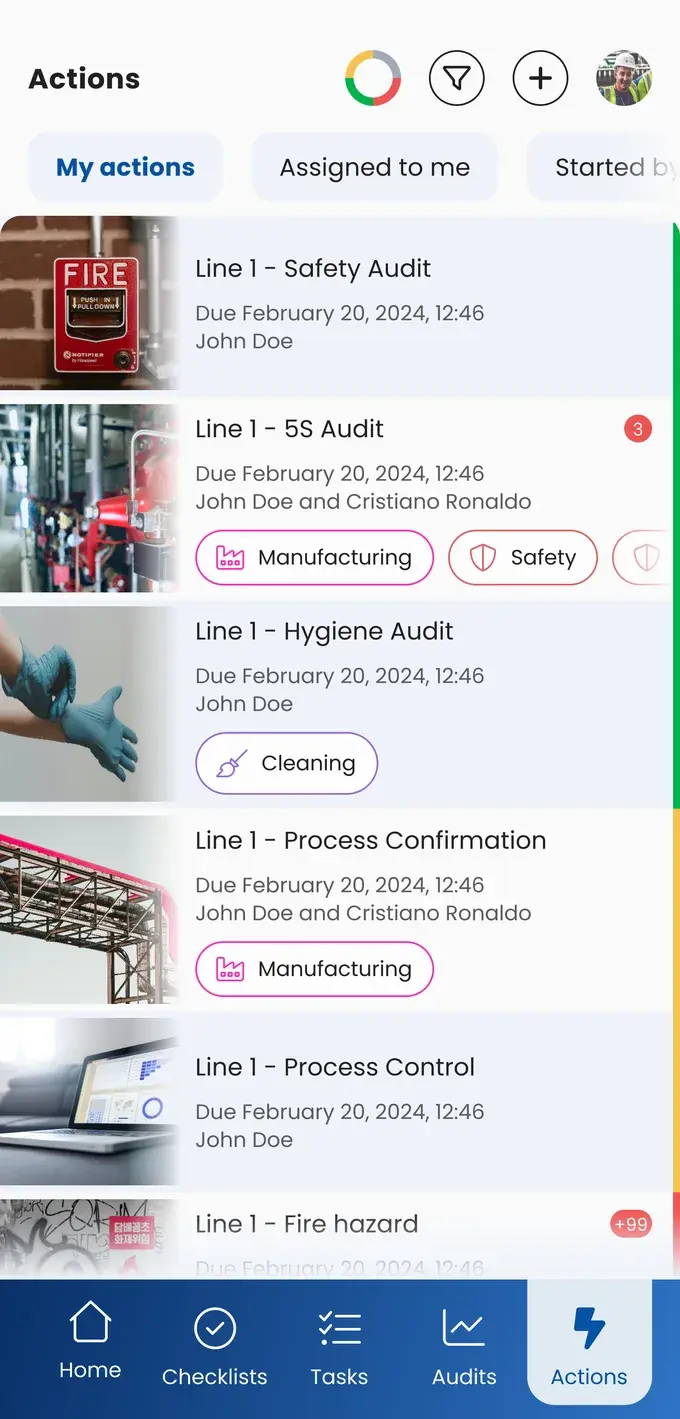
Actions can be linked to SAP PM and Ultimo, so a report from the floor lands in the system you already use to manage maintenance. You don't have to choose between easy reporting and airtight administration.
Or request the business case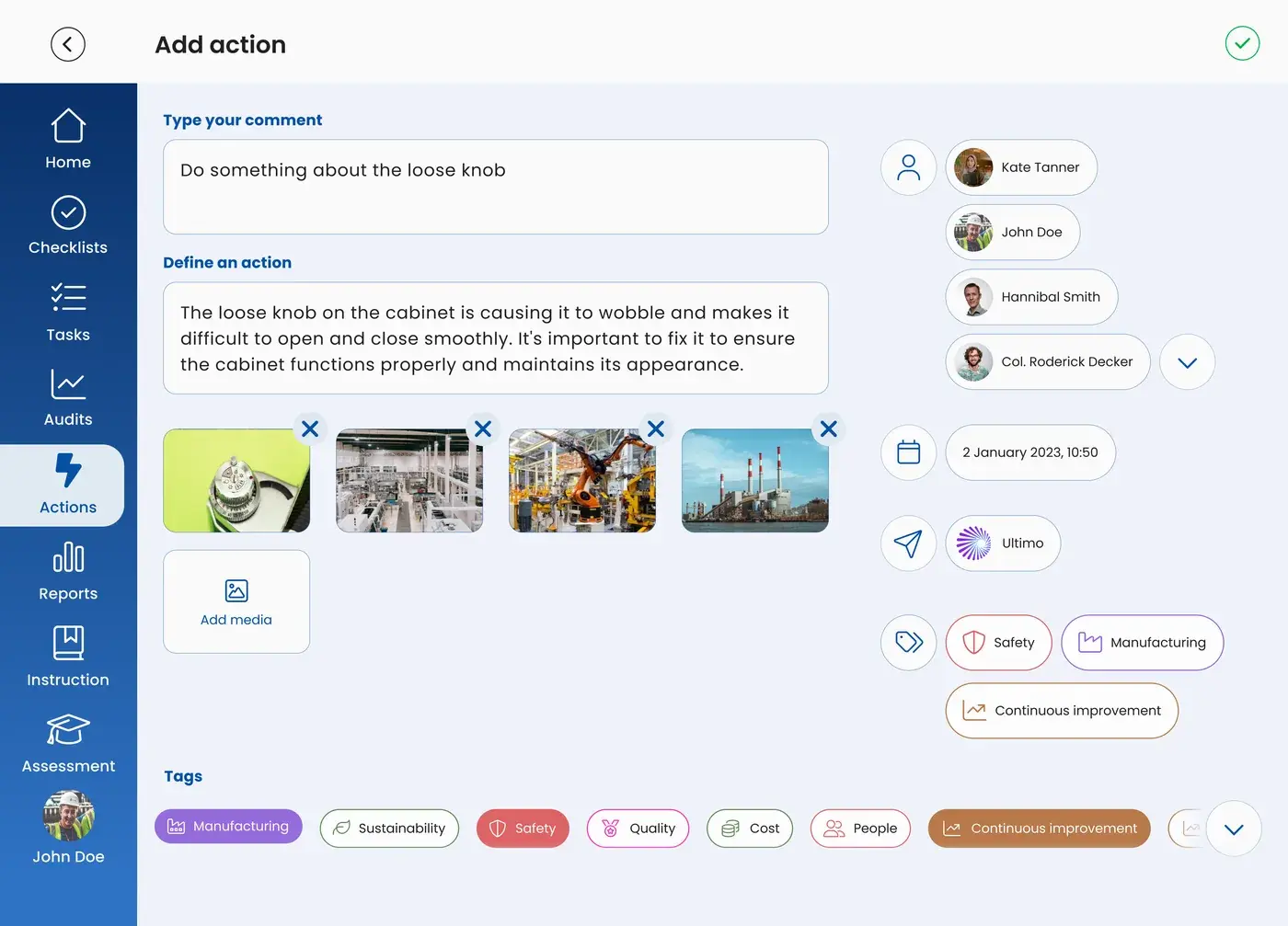
Report breakdowns and wear before they lead to downtime.
Record deviations from hygiene checks, with a photo and an owner.
Flag unsafe situations immediately, with follow-up you can prove.
Keep housekeeping and safety on track with reports from the floor.
Show which deviation was reported, by whom, and what was done about it.
Together, we define the optimal working method.
A task is work you schedule in advance and that recurs, like an inspection round. An action arises the moment someone spots something that deviates or could be better.
Anyone working in the platform, including the operator. That's exactly the point: whoever spots it, records it.
The action is linked to an owner, who gets an email notification. You can communicate about the action itself, so you can see the status without having to chase it down.
Yes, there's an integration with SAP PM and Ultimo, so a report from the floor lands in the system where you manage your maintenance.
An image shows what's going on in one glance. That saves back-and-forth questions, and it also works when someone doesn't yet speak the working language fluently.
Take the free shop floor scan and see within two minutes what happens with reports on your floor, with three concrete improvement points.