

Safety through a clear, up-to-date standard
Everyone works from the latest, correct instruction, with no confusion from an outdated paper version.
Capture your employees' knowledge and skills with visual work instructions in the EZ-GO platform. The correct, up-to-date standard always on hand, for everyone on the floor.
Trusted by
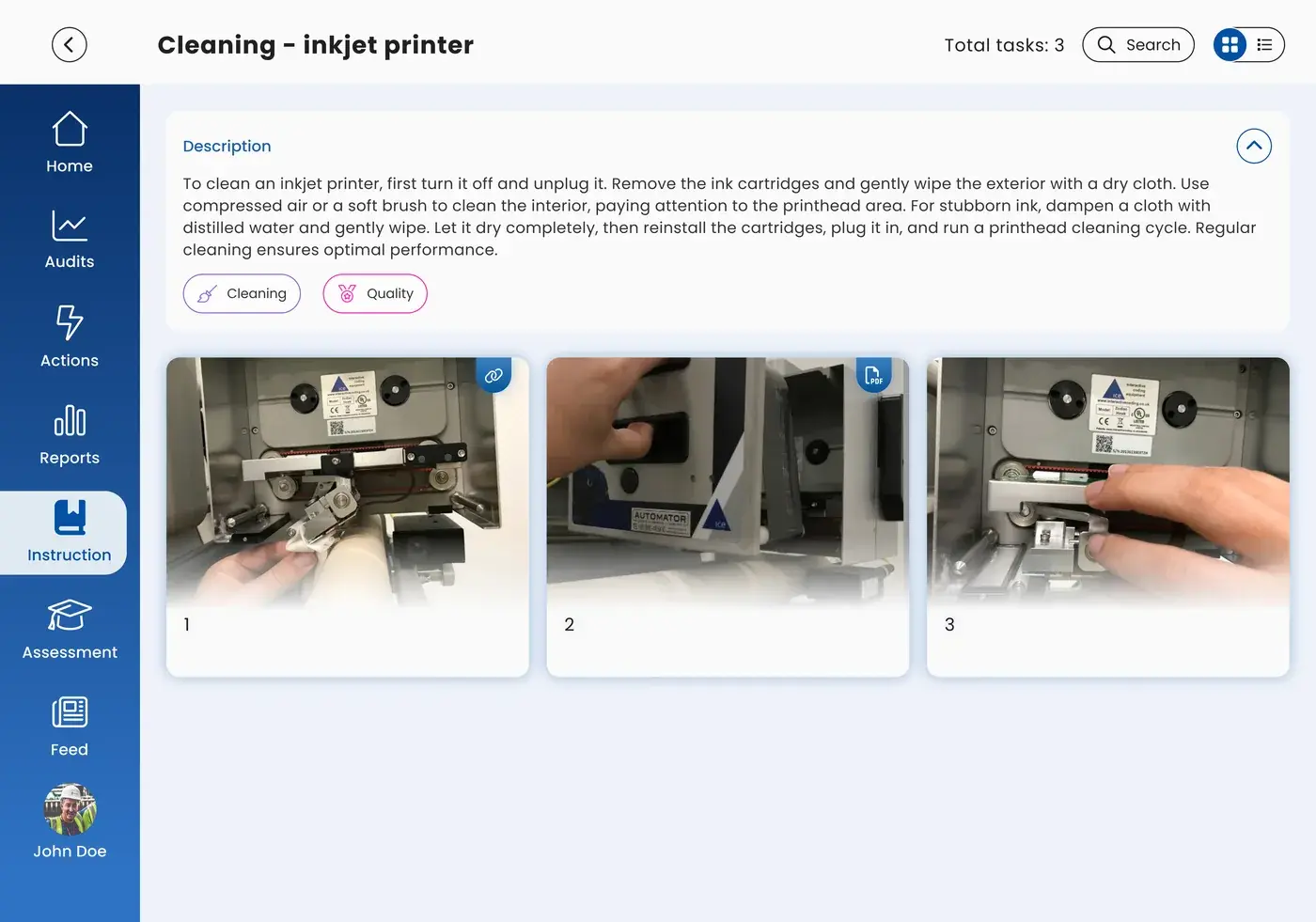
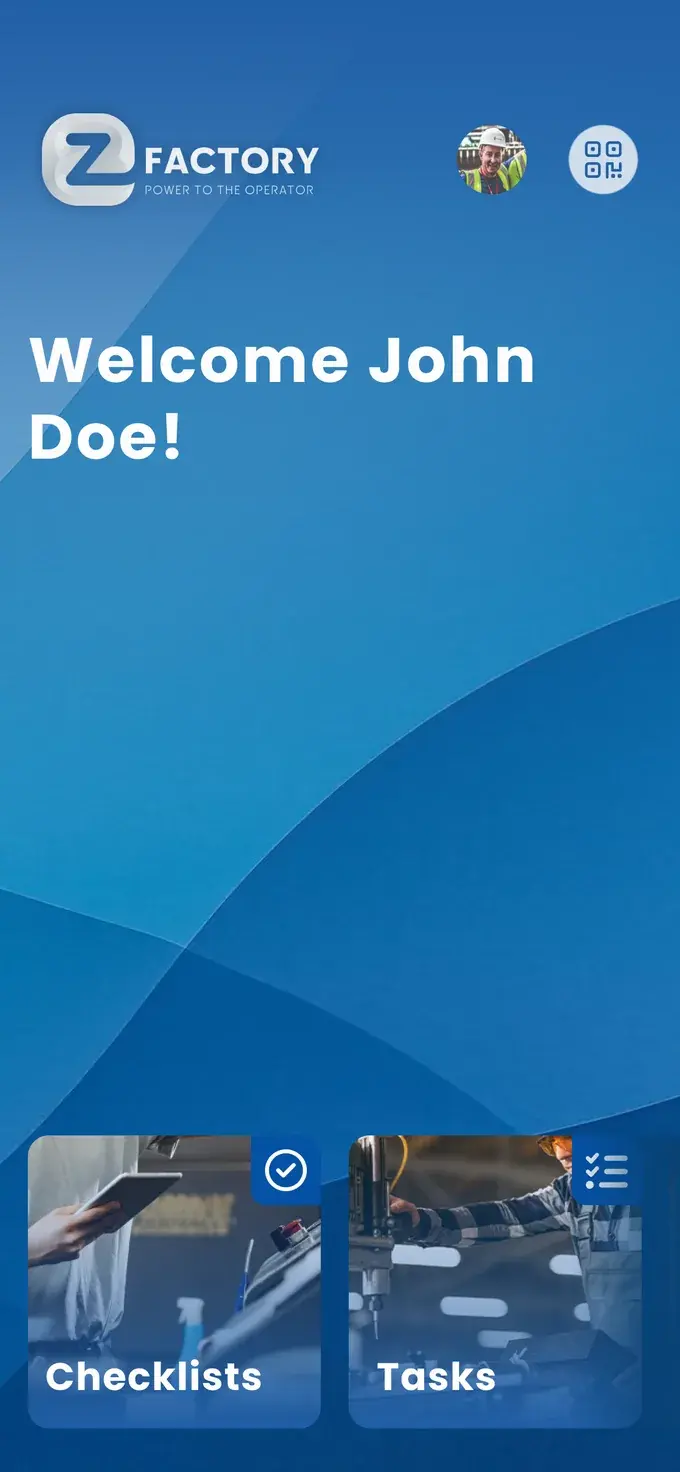
Digital work instructions in EZ-GO are visual, step-by-step procedures that show an operator what to do, why, when, and how. They include photos and videos, are available on every device at every workstation, and are updated immediately whenever feedback from the floor calls for it. That way, everyone always works from the latest, correct version of the standard, instead of a paper binder that can go out of date.
You've probably seen this before:
An instruction nobody reads isn't a standard. Working safely and correctly then depends on who happens to be on the line that day, and a quality problem later turns out to trace back to a deviation in how the work was done.
The people behind EZ-GO saw this happen in plant after plant. That's why the work instructions module captures knowledge where the work happens: visually, at the machine, and shareable by the operator directly.
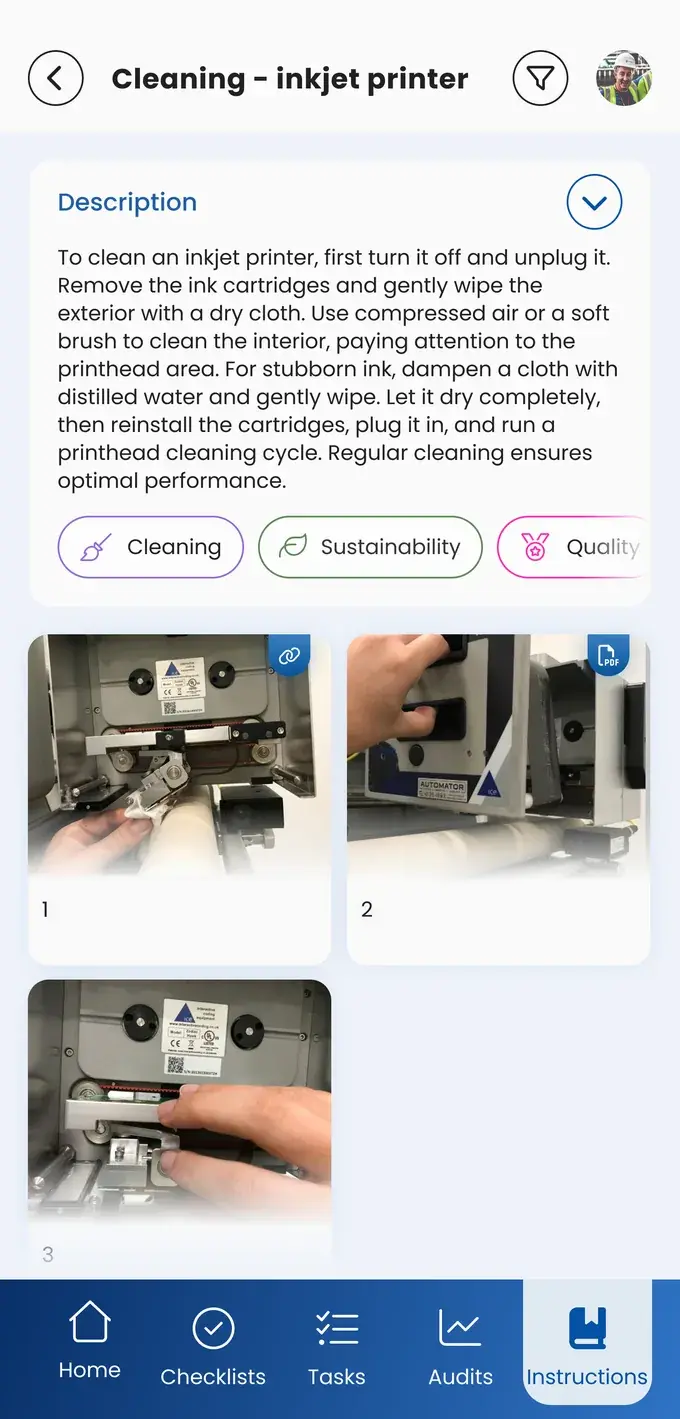
With photos, videos, and the four questions: what, why, when, and how.
And always have the latest version on hand, everywhere.
Based on feedback straight from the shop floor.
Everyone works from the latest, correct instruction, with no confusion from an outdated paper version.
Fewer errors and recalls because everyone knows exactly how the job should be done, shown visually instead of written out.
Faster changeovers and startups because no one has to search, guess, or interrupt a colleague.
New employees are up to speed faster, with visual on-the-job training instead of a paper binder.
Every operator who retires takes years of experience with him, unless that knowledge has already been captured. With visual work instructions, you capture that knowledge now, instead of regretting it later.
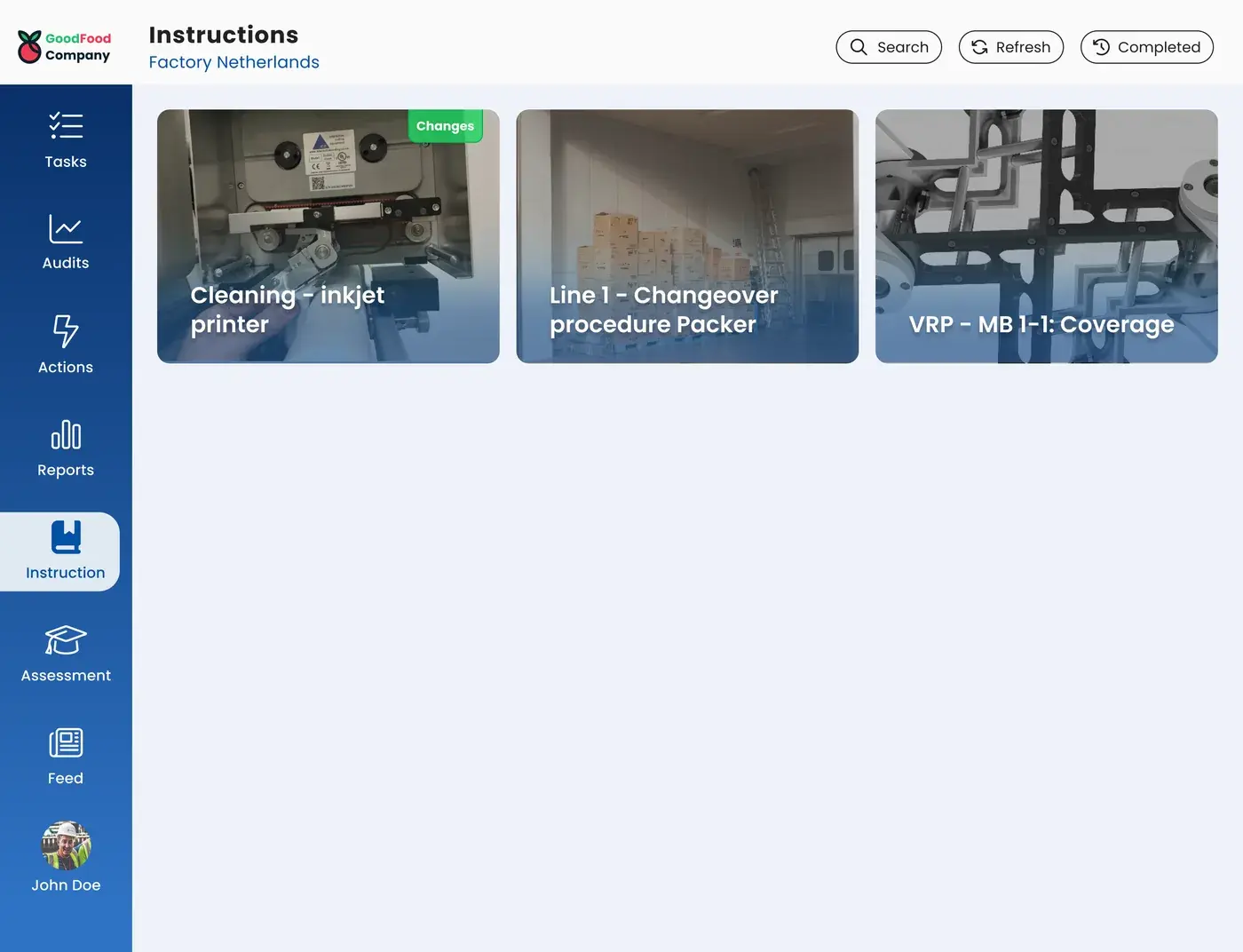
No more weeks of onboarding with a paper binder and an experienced colleague who has to keep stepping in. New people learn it themselves, step by step, with visuals instead of text.
Or request the business case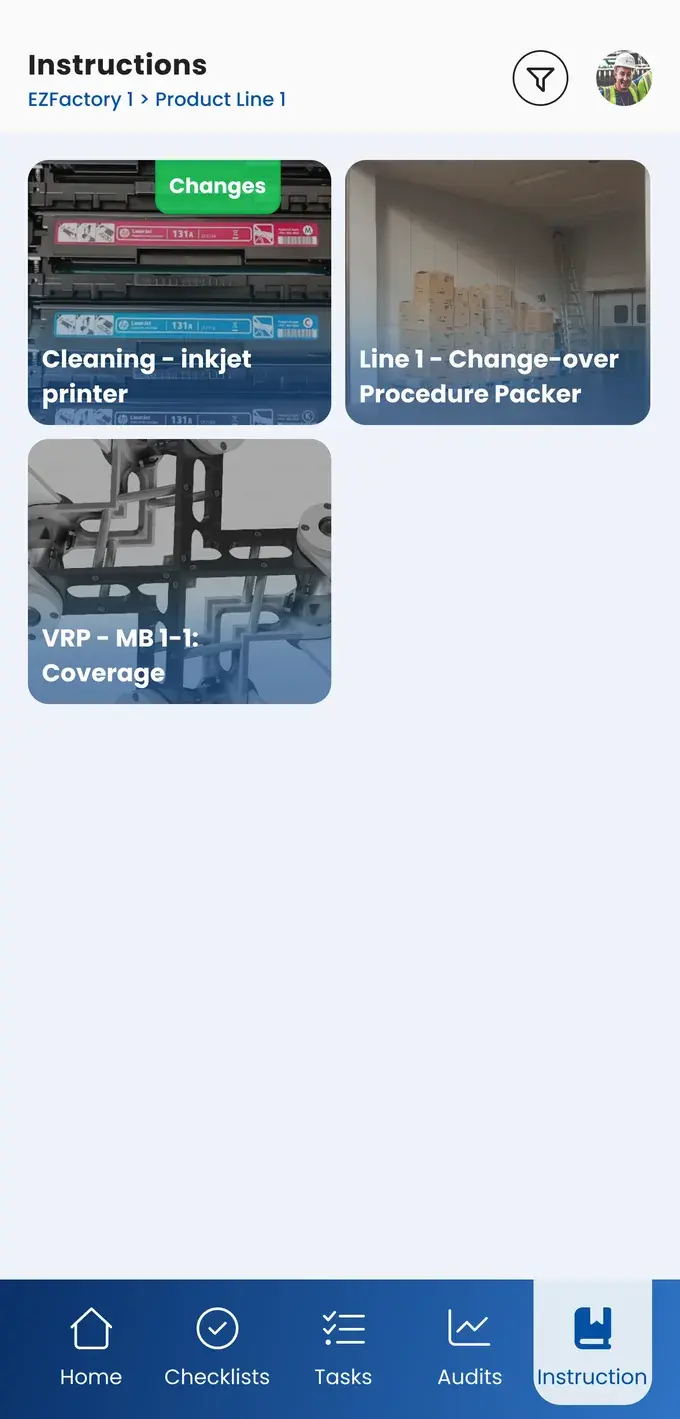
EZ-GO is simpler, more organized, and more enjoyable to work with, and it improves productivity because the workplace stays better organized and actions are followed up quickly and effectively.
Just as clear, also to define the boundary with the skills matrix and checklists
A work instruction shows how the work is supposed to go. If an operator sees that practice deviates from it, he reports that as an action, so the instruction gets updated instead of a second, unspoken way of working quietly taking hold.
Checklists are step-by-step procedures for a specific task, such as a changeover of a line or machine. Work instructions capture the broader work method or procedure, including the why, and are also used for training.
Yes. Visual instructions with photos and videos break through the language and literacy barriers that come with long text.
You can calculate your savings on work instructions in the savings calculator.
Take the free shop floor scan and see within two minutes how digital your knowledge capture currently is, with three concrete improvement points.