

Safety that doesn't depend on who's on shift
Everyone works to the same, up-to-date standard, with safety steps like LOTOTO that can't be skipped.
Digitize checklists with the EZ-GO platform. No more paper hassle, just a standard that everyone on the line follows the same way, with proof that it actually happened.
Trusted by
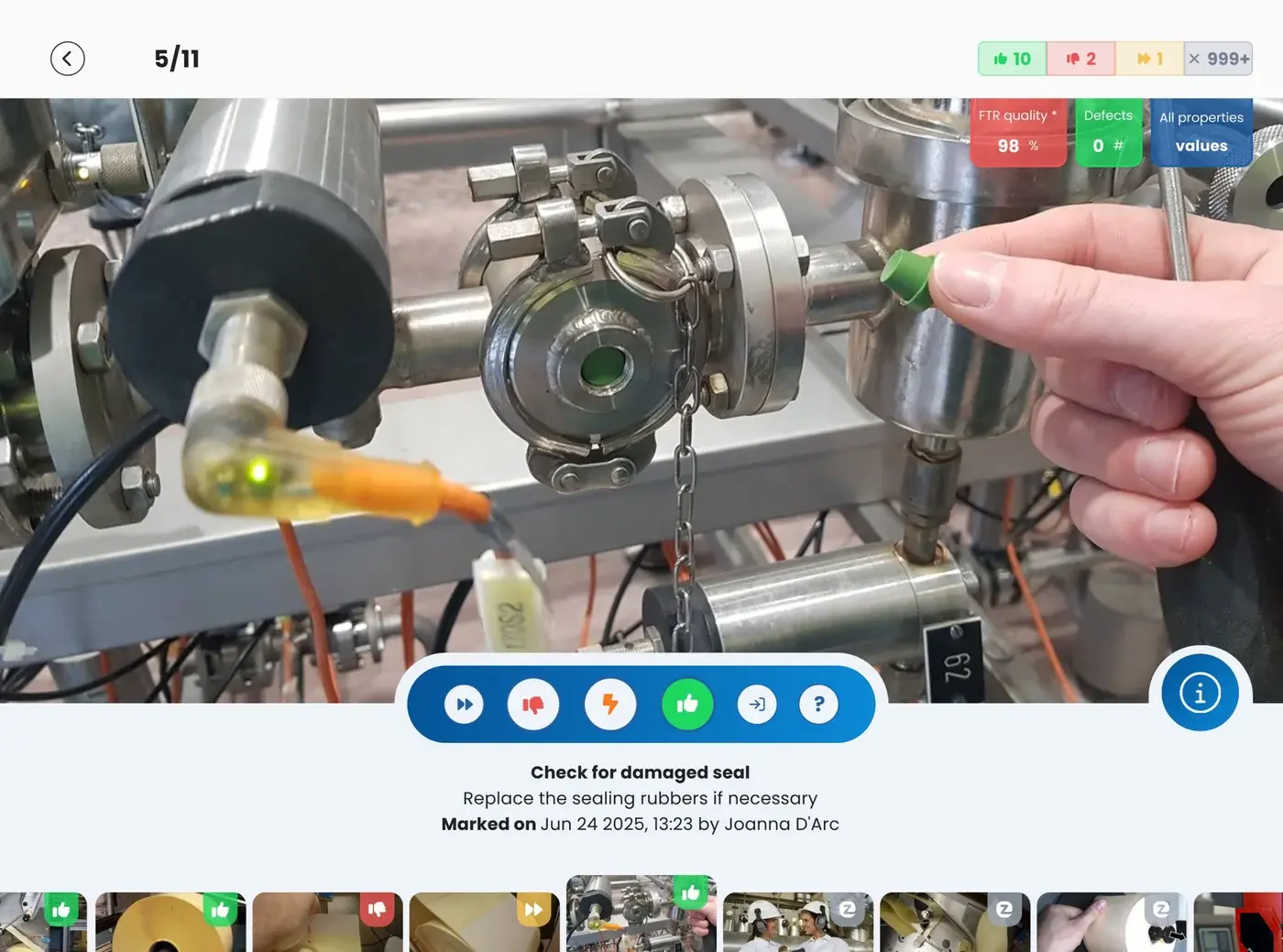
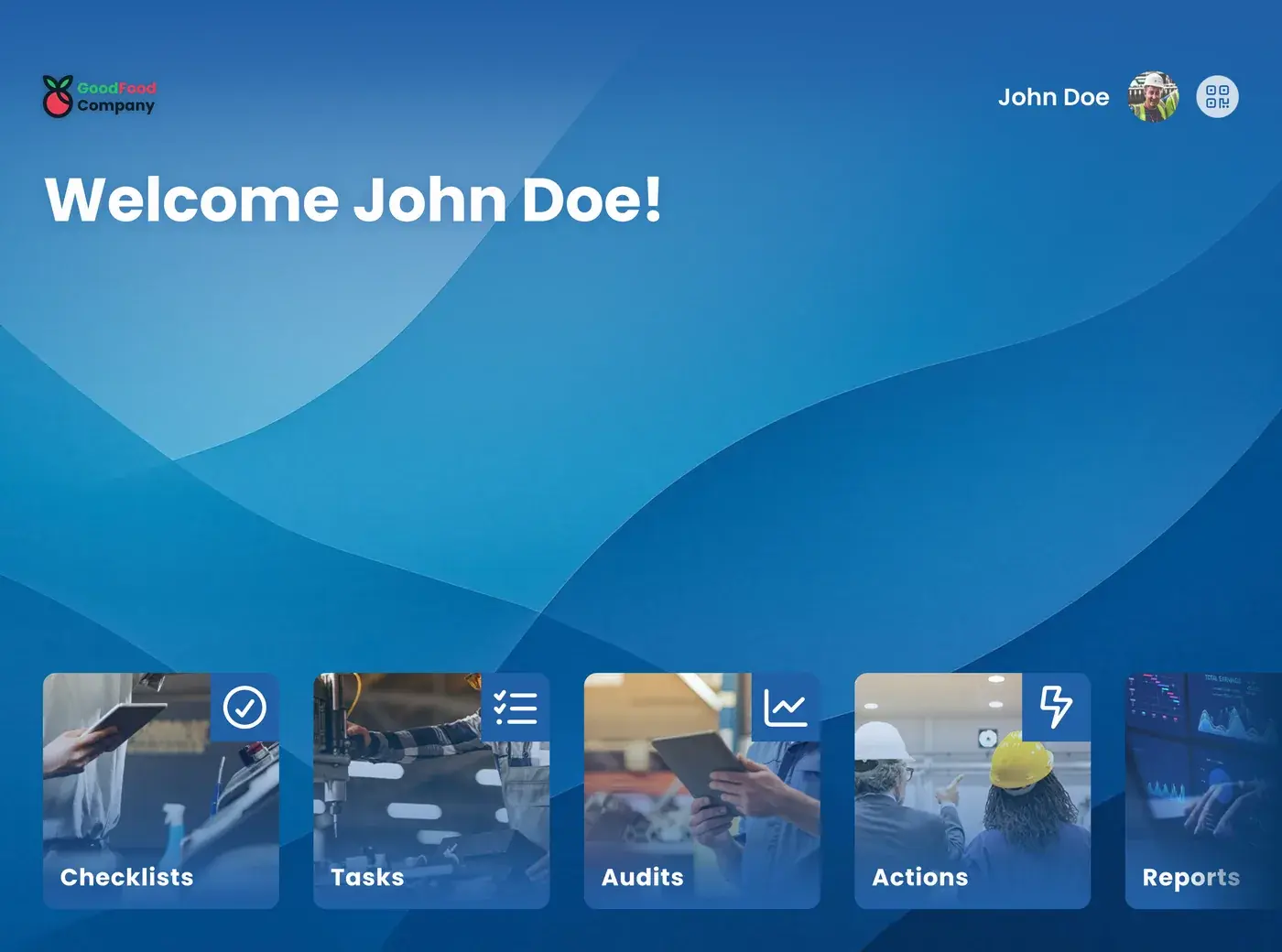
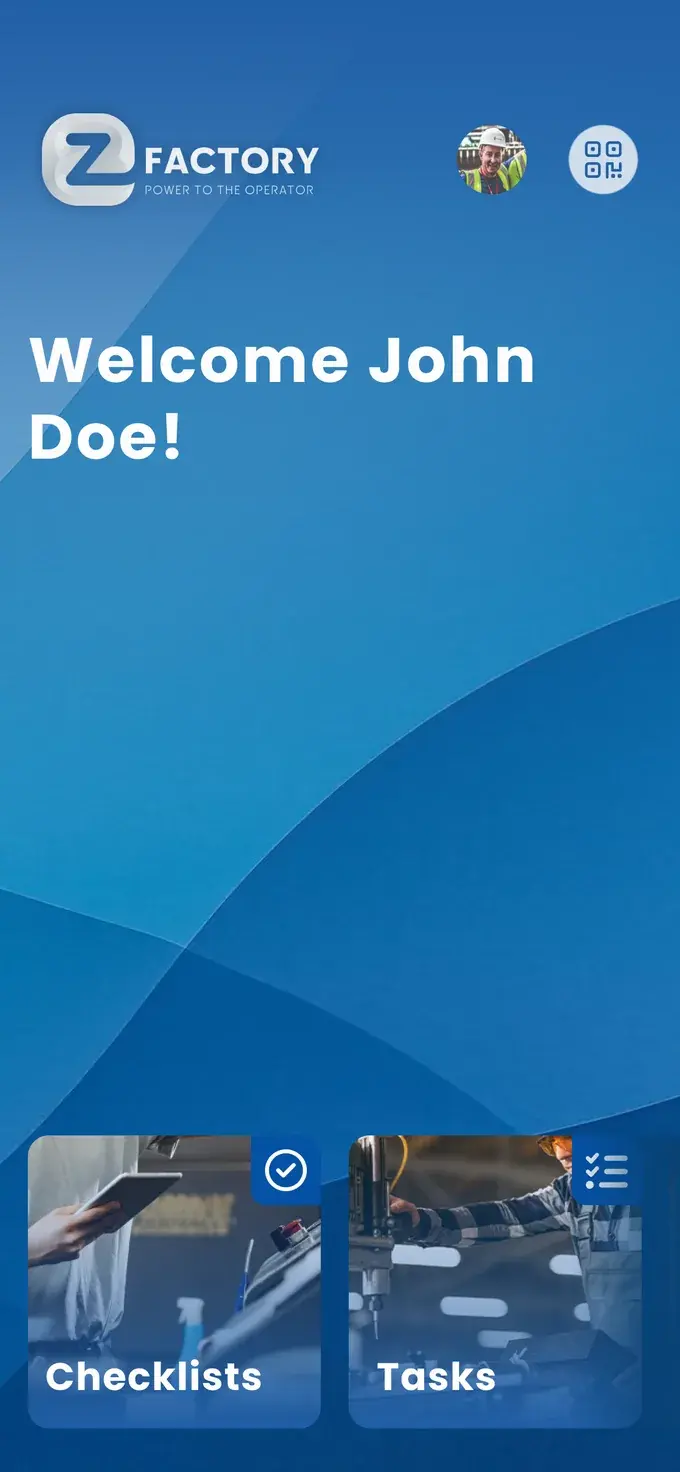
A digital checklist in EZ-GO is a step-by-step procedure, such as a changeover, startup, shutdown, or shift handover, that operators carry out on the floor through the app, with photos, videos, and work instructions at every step. Operators and team leads sign off digitally, deviations are reported immediately, and everyone always has the latest version of the standard on hand through the content management system (CMS).
Do you recognize the blind check marks on the shop floor? Vertical lines drawn straight through the checkboxes and a scribbled signature at the bottom, just to be done. Or five different colored pens on a half-filled form, quickly touched up right before the audit.
That turns standardization into a paperwork exercise, and you have no idea whether a changeover, startup, or shutdown was actually carried out according to the standard, until the moment it goes wrong.
Without a fixed, digital standard, execution depends on who happens to be on the line that day.
EZ-GO was built by people who spent years working with operators on the shop floor themselves, and saw how a paper checklist became a formality within a few weeks instead of a real safeguard. That's why the Checklist Module was built to be used, not just checked off.
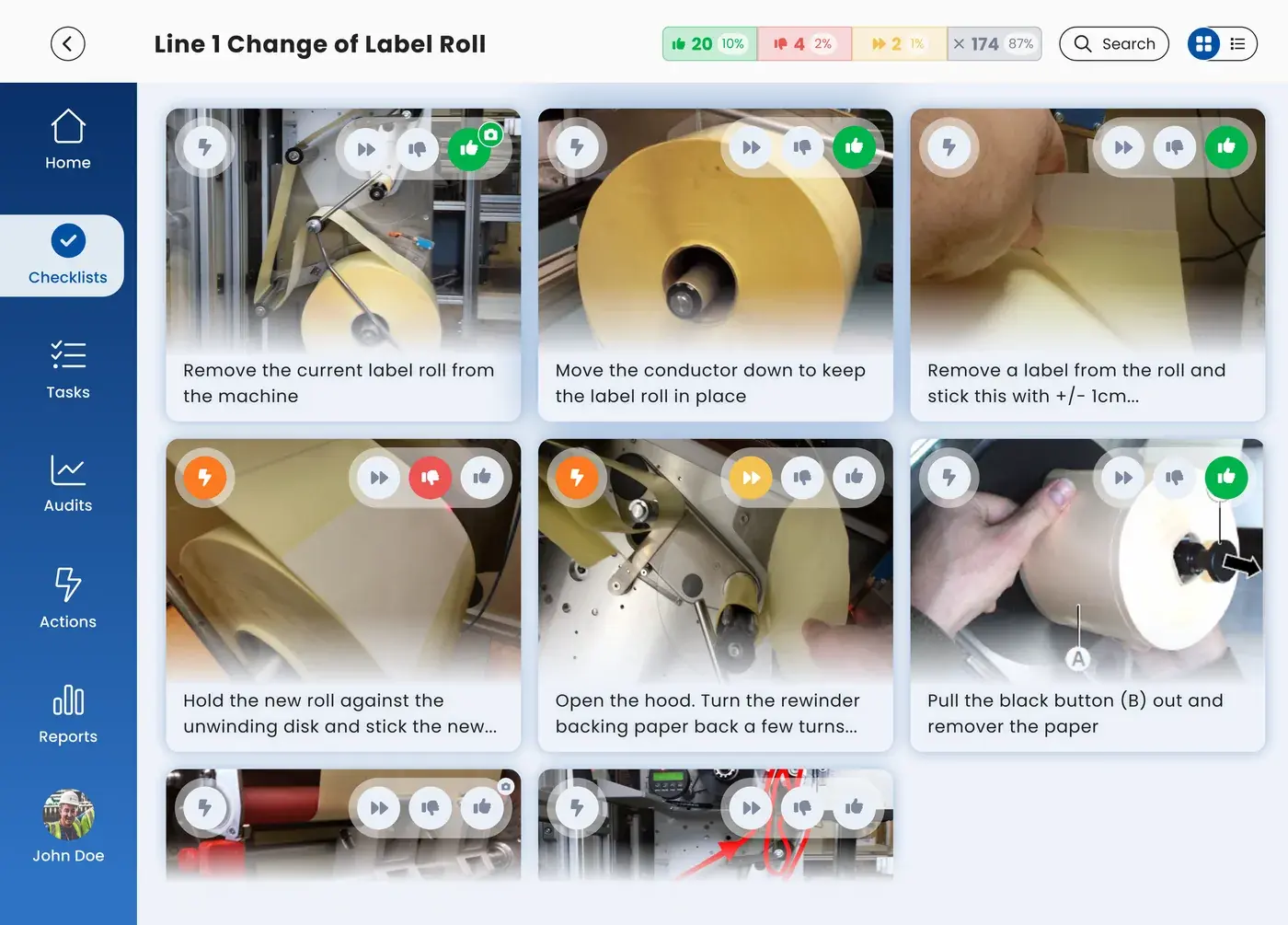
Changeover, startup, shutdown, shift handover, or LOTOTO, with photos, videos, and work instructions at every step.
At every location and every shift, without paper or a scanner.
Share the correct, up-to-date standard across all your production lines and locations.
Everyone works to the same, up-to-date standard, with safety steps like LOTOTO that can't be skipped.
Prevent critical steps from being skipped during changeover, startup, or shutdown, and see a deviation the moment it occurs.
A reliable startup that always takes the same amount of time, instead of one operator needing twenty minutes and another needing thirty.
New operators see exactly what to do, with photos and videos instead of a paper binder.
You no longer have to guess why one line finishes a changeover in twenty minutes and another takes thirty. With a digital checklist, the standard is fixed, including photos and videos, so every operator carries out the same steps the same way.
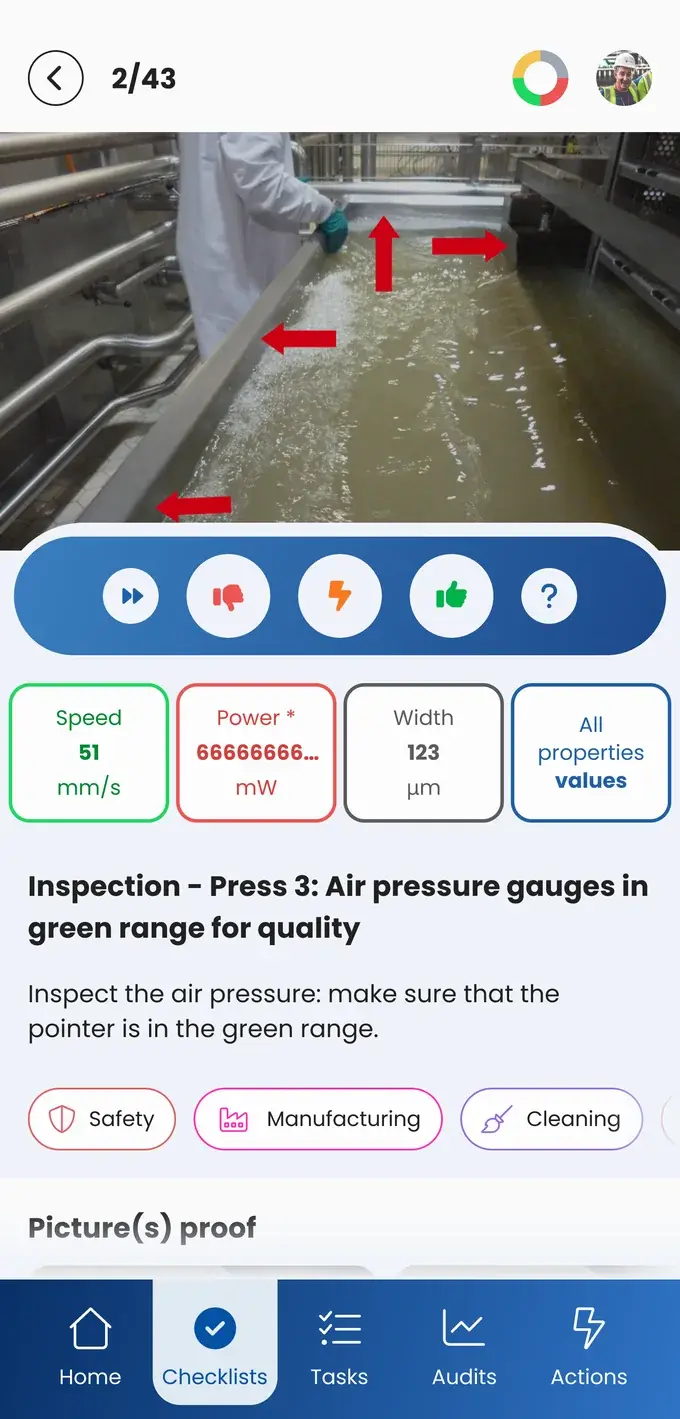
Build a checklist once, and share the correct, up-to-date version across every shift, team, and production line. No more scattered spreadsheets or outdated paper versions floating around.
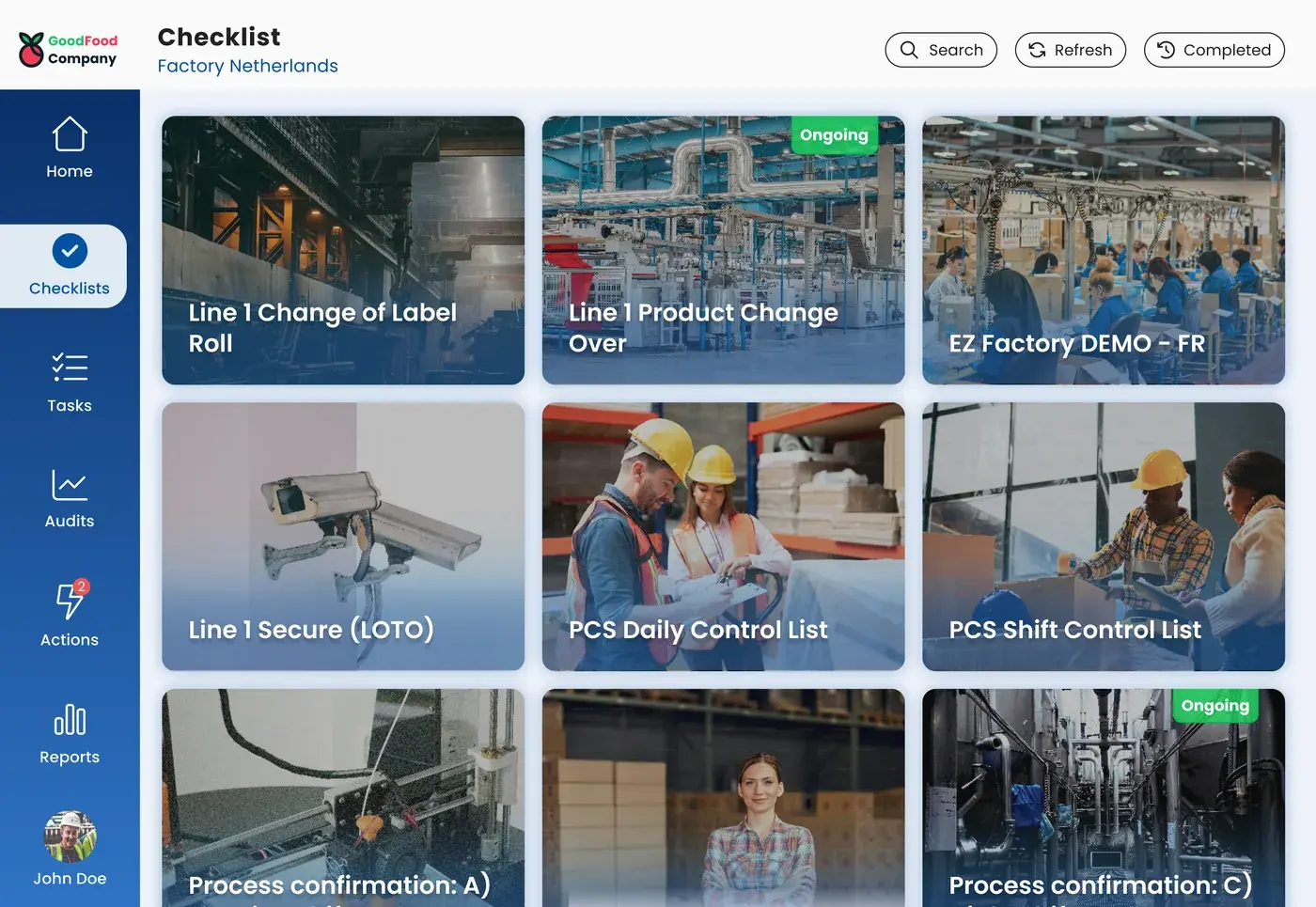
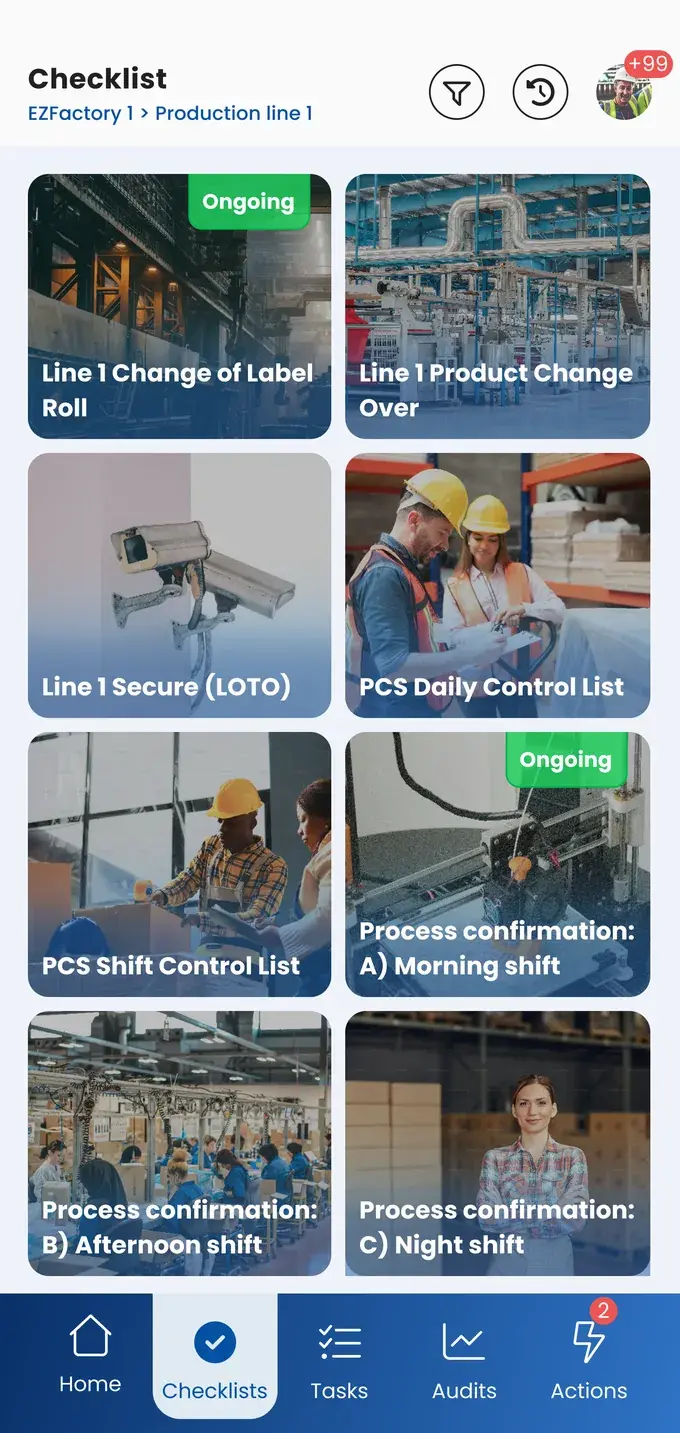
Every industry starts from a different pain point. These are the results customers use the module for:
This is how we future-proof our processes and make them scalable.
A checklist records that the step was taken. If an operator runs into something during that step, it becomes an action with a name and a date attached, instead of a comment left at handover.
No. You can easily build a template yourself, with photos, videos, and work instructions, and update it whenever the process changes.
Yes. You share the same, up-to-date standard across multiple production lines and locations, and everyone works from the latest version.
You can calculate your savings on checklists in the savings calculator.
Take the free shop floor scan and see within two minutes how digital your checklists currently are, with three concrete improvement points.