

Safety you can prove
Only people with a valid qualification are assigned to a critical task, and you can prove it. Expiring certificates surface automatically before they become a problem.
See in one overview what skills your team has, which qualifications are about to expire, and where you can deploy your people. With Skills Management in the EZ-GO platform, you plan based on facts instead of assumptions.
Trusted by
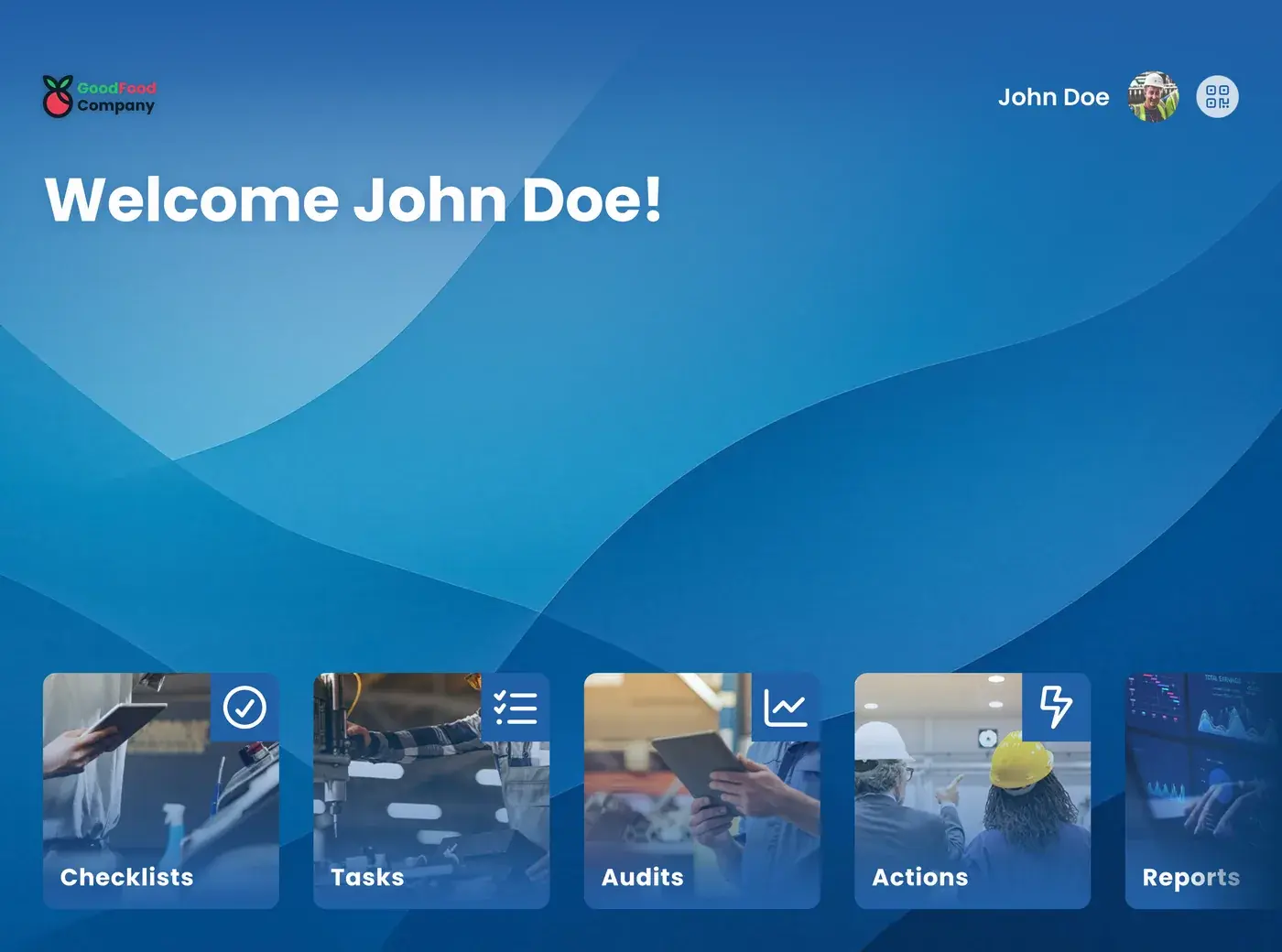
Skills Management consists of the skills matrix and assessments. The skills matrix is an overview that shows, per employee, which skills, core qualities, and qualifications they have and at what level. In the EZ-GO platform, that matrix is digital: trainers carry out assessments on the shop floor, each result lands directly in the overview, and you see at a glance who you can deploy where, which certificates are about to expire, and which skills are still missing. Because what's being assessed is fixed in advance, the outcome is a recorded fact rather than a judgment made after the fact. That way, you plan staffing, replacement, and training based on current information instead of a spreadsheet someone updates every now and then.
Someone calls in sick, and the line still has to run. Who can take over the line now? Is this operator cleared to work independently on that machine? Which certificate expires next month?
The answer is scattered across spreadsheets, paper folders, and the knowledge of the team lead who happens to be off today. Searching for it costs time at the exact moment you have the least of it.
As long as the overview isn't accurate, you're scheduling based on assumptions. Someone works without a valid qualification, and no one notices. A new employee gets put on a task he doesn't actually know yet. A certificate turns out to be expired only when the auditor asks about it. And the knowledge of your most experienced operator still lives only in his head, until the day he retires.
Create groups that match how your plant is organized, and record per employee which skills he has mastered, on a scale of 1 to 5.
A trainer assesses a new skill on the floor, and the result lands directly in the matrix. No separate round of paperwork.
Set goals per role or per person, see which qualifications are expiring, and plan training where it delivers the most value.
Only people with a valid qualification are assigned to a critical task, and you can prove it. Expiring certificates surface automatically before they become a problem.
You assign people to tasks they can demonstrably perform. That means fewer errors, less rework, and less arguing after the fact.
Staff scheduling takes minutes instead of a whole morning, and when someone's out, you don't have to improvise. You immediately see which colleagues have the same skills.
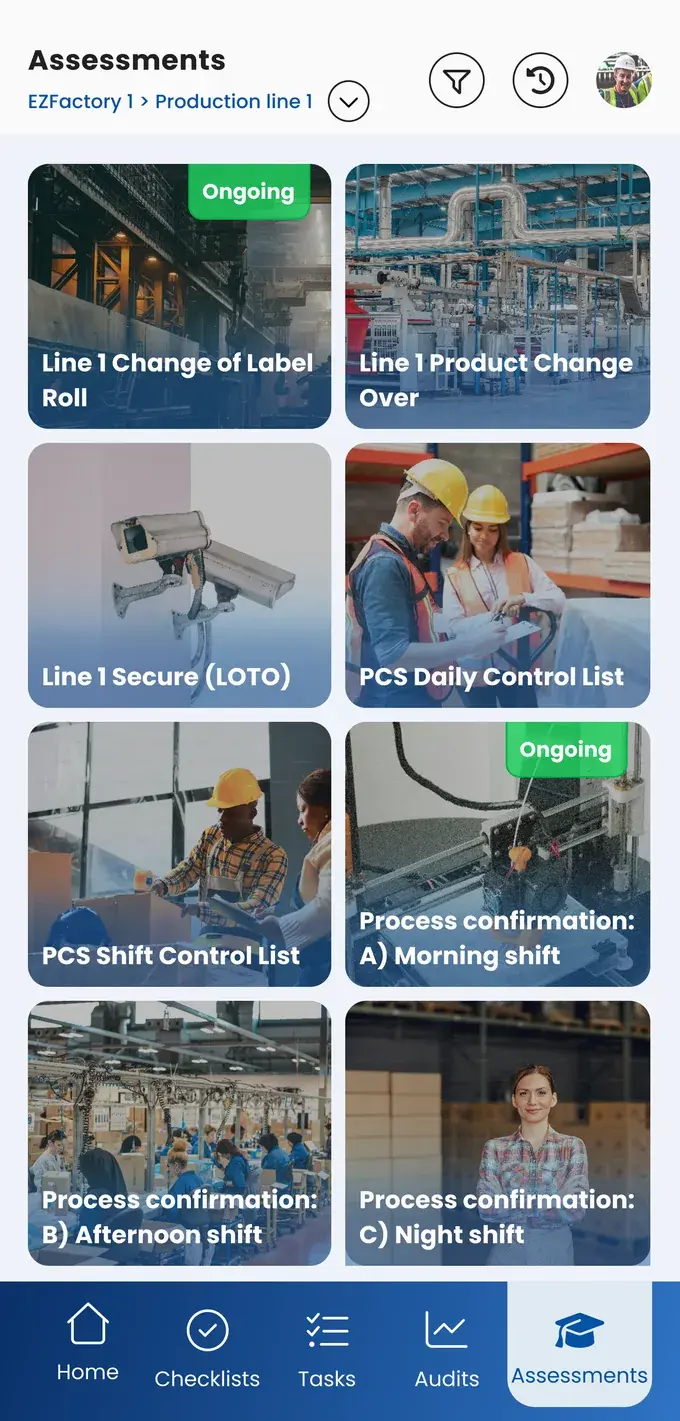
You see per person and per team which skills are missing, and plan training where it has the most impact. New employees know exactly what's expected of them and what they still need to learn, supported by work instructions with photos and video.
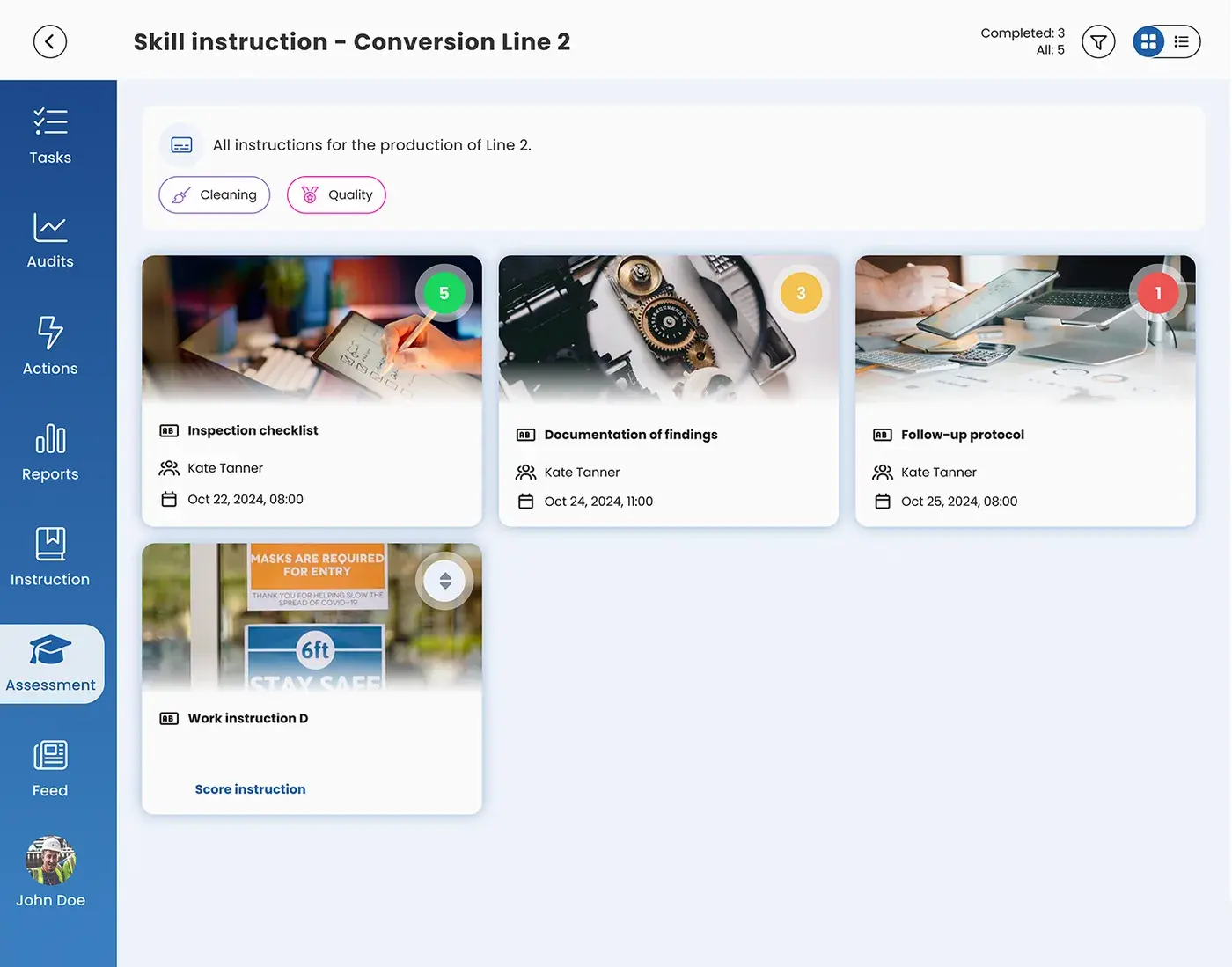
Skills Management gives you a standardized way to train and assess. You define in advance what someone needs to be able to do and what they're tested on, so every trainer assesses against the same criteria.
The result is recorded in the system, with a date and the assessor attached. That means the judgment no longer depends on whoever happened to be watching that day, and it stays visible later, even if that trainer no longer works there. For the employee, it's also clear exactly what he was assessed on and what he needs to do to reach the next level.
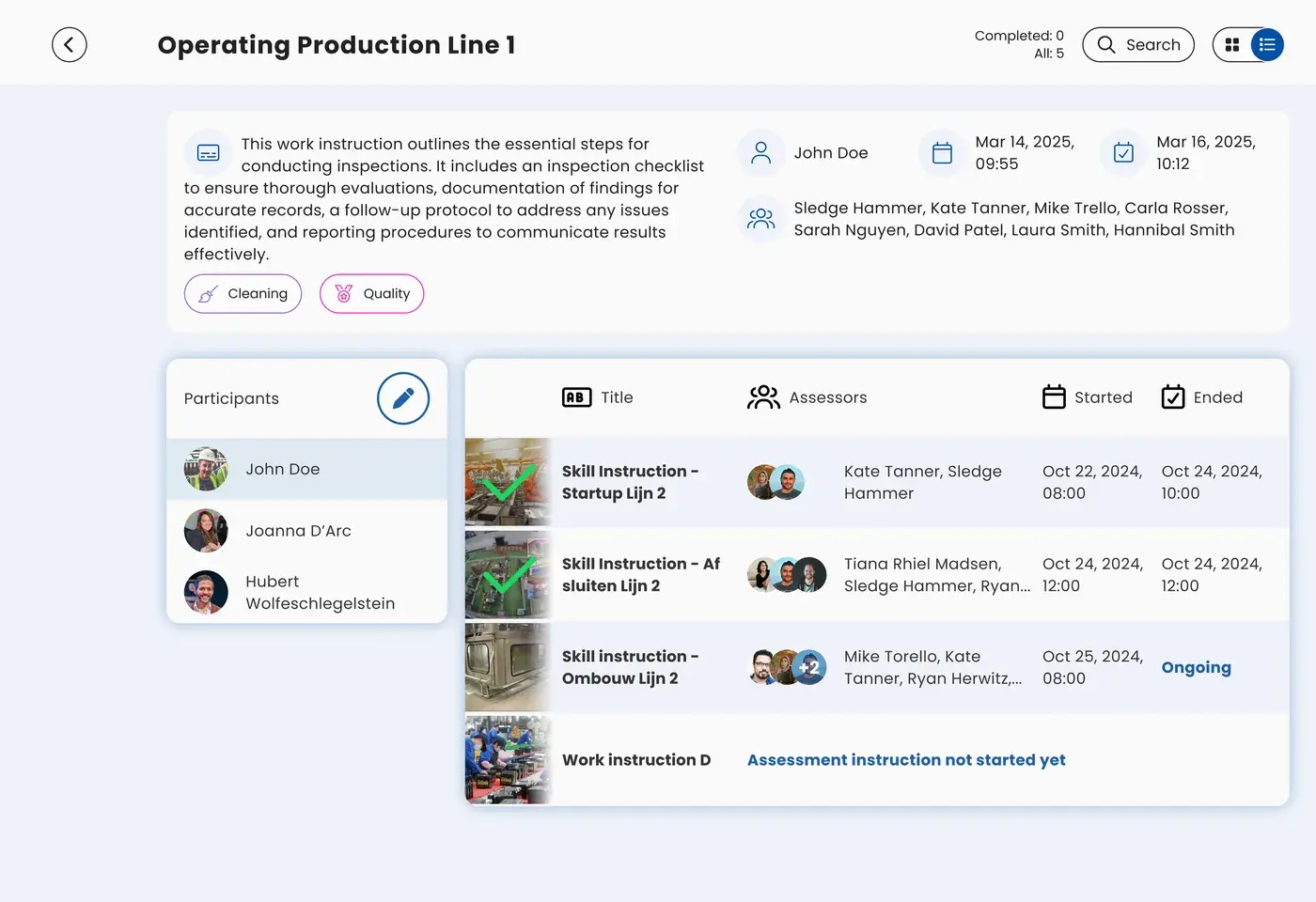
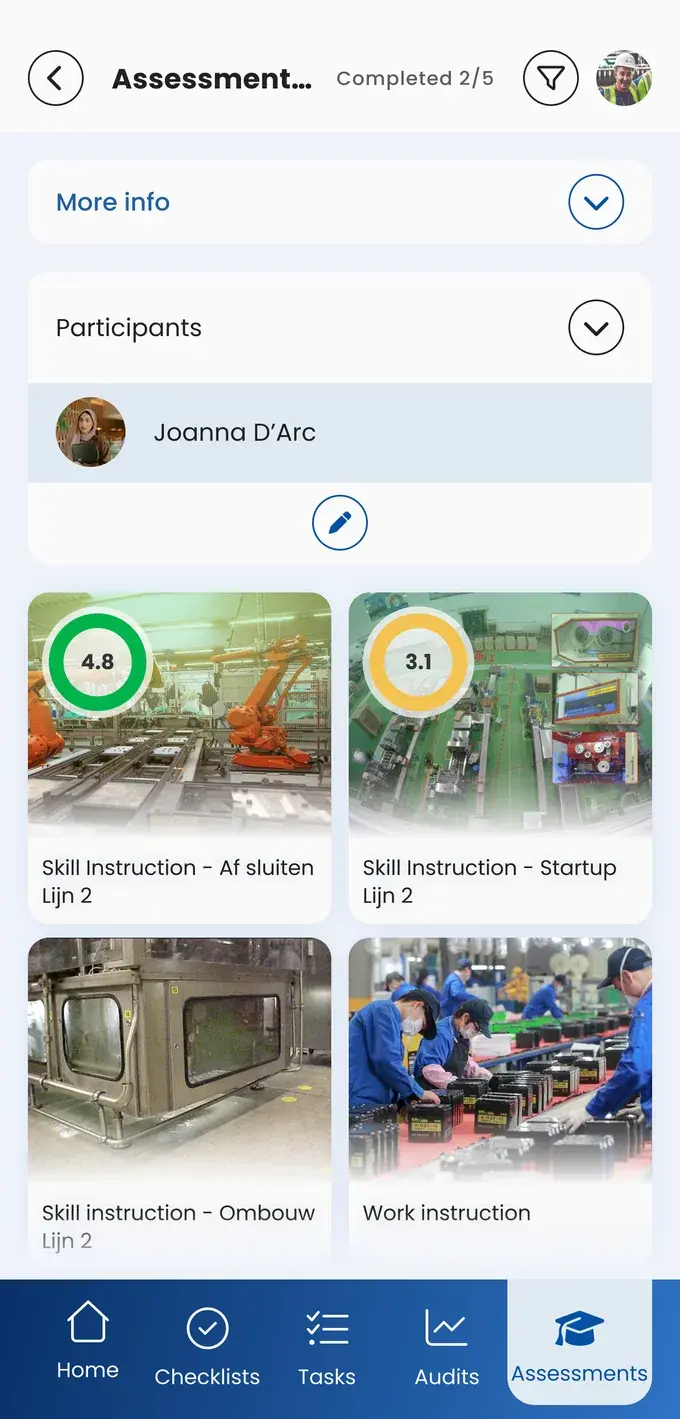
You no longer have to ask around to find out who can do what. The matrix shows, per group, line, or department, where you're strong and where you're vulnerable, using the colors and level names your plant already uses. That makes the conversation about staffing and training concrete, including with HR and management.
If you're making decisions across multiple sites, you don't want to check in with each plant individually to find out how many people can perform a critical task. With EZ-GO, you set one standard for skills and qualifications and roll it out across all your locations, in a single overview where you can see at a glance where staffing is getting tight.
Request the business case
Capture the knowledge of experienced operators before it walks out the door.
Keep staffing levels steady, even during illness and peak periods.
Show that only qualified people carry out critical tasks.
Train new people faster with visual instructions.
Keep qualifications and recertification demonstrably in order.
EZ-GO has the power of simplicity.
A matrix in Excel is a snapshot someone has to update by hand. Here, every assessment result lands directly in the overview, so planning is always based on current information.
By defining in advance what someone needs to be able to do and what they're tested on, instead of leaving that up to each trainer. Every assessment follows the same skills and levels, and the result is saved with a date and assessor. An assessment can then be reviewed later and doesn't depend on anyone's memory.
No. You start with one group or department, define the skills that actually matter, and expand based on what works.
Yes. You decide the groups, the colors, and the names of the skill levels yourself, so the matrix matches the standards you already use.
Yes. You set up groups to match how your organization is structured, and decide yourself at what level you want to see the overview.
The matrix shows which skill is missing, the work instruction shows how that task is carried out. The work instruction can also serve as the basis for the assessment: what's in the instruction is what you assess against. Together, they form the path from identifying a gap to training for it to demonstrably mastering it.
Take the free shop floor scan and see within two minutes where your plant stands on knowledge capture and training, with three concrete improvement points.