


CILT stands for cleaning, inspection, lubrication, and tightening: the four basic tasks that keep a machine in its original condition. It is the daily core of autonomous maintenance.
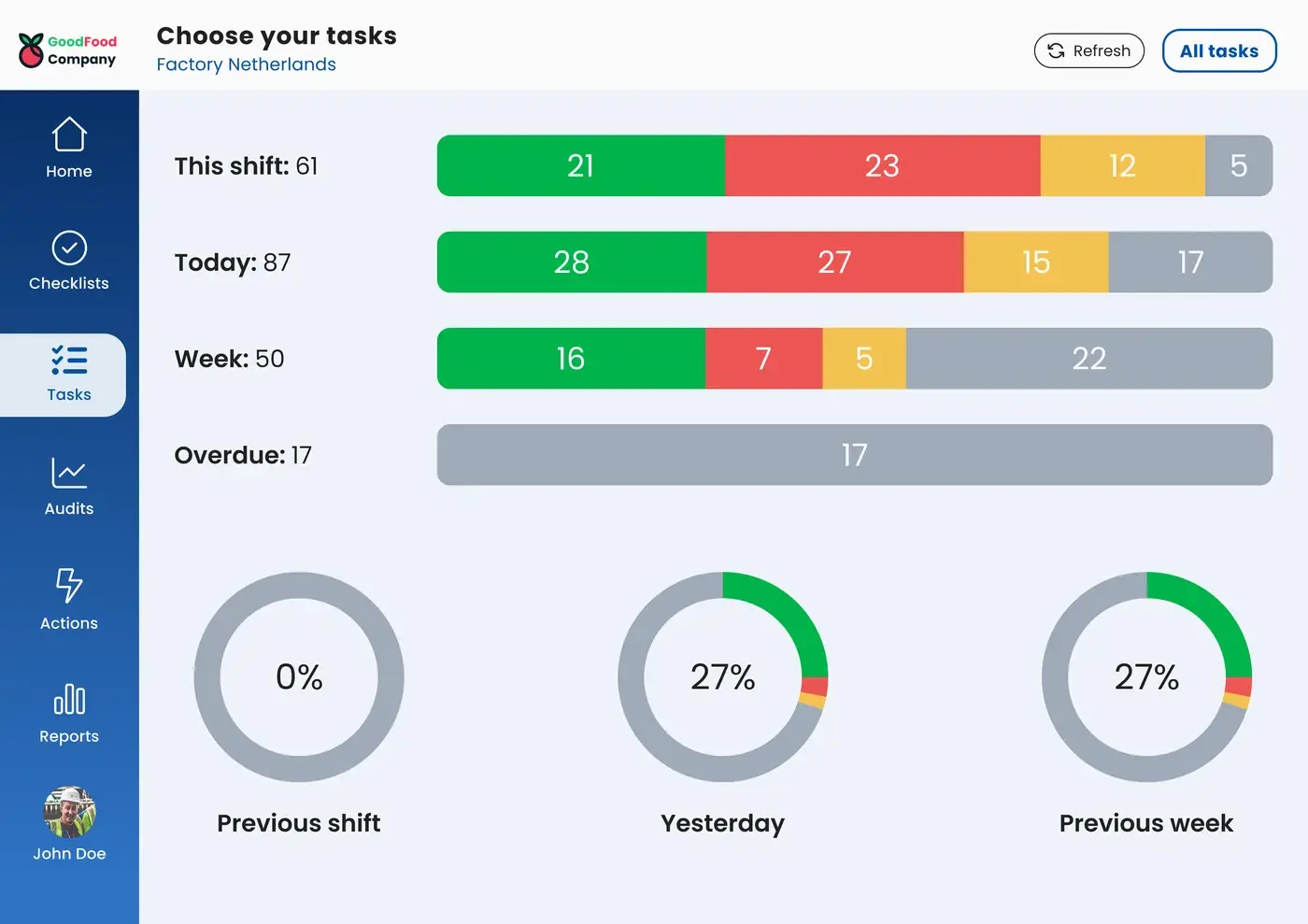
In the EZ-GO platform, every CILT task has its own machine, frequency, shift, and photo of what good looks like. Operators carry out the round on a tablet at the line, and the standard can be updated as soon as the machine or the method changes.
Where CILT standards fall behind the machine
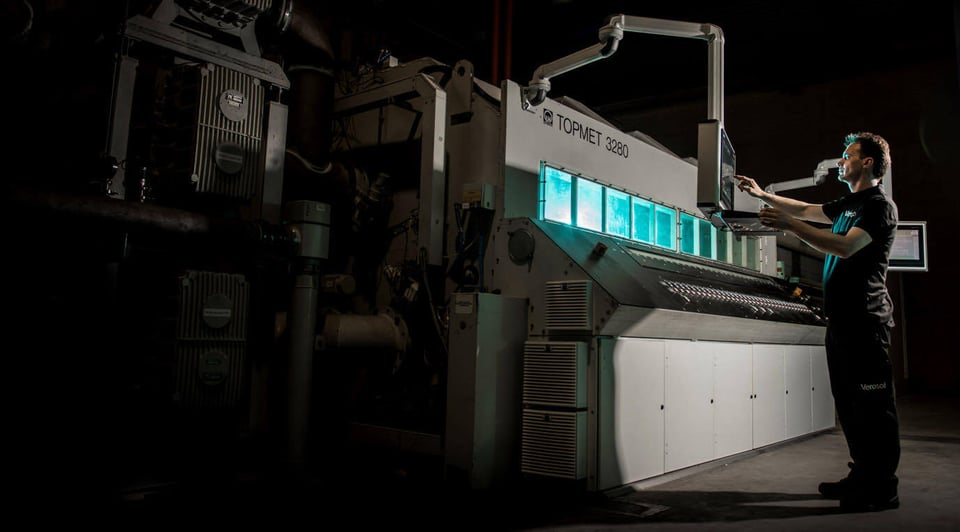
Most CILT standards start strong. The team walks the machine, marks every cleaning, inspection, and lubrication point, and agrees on a frequency for each one. A year later, the standard no longer matches the machine. Points were added or moved, some frequencies turned out too high and others too low, and the photos show a machine that has been modified twice since.
Changing the standard usually means asking the one person who manages the file, so changes wait. In the meantime, operators do what makes sense to them today, and each shift does the round a little differently.
A CILT standard works when it stays as current as the machine. That takes a quick way to change it, and data that shows which points need a change.
How the EZ-GO platform supports each CILT task
Cleaning: clean to inspect
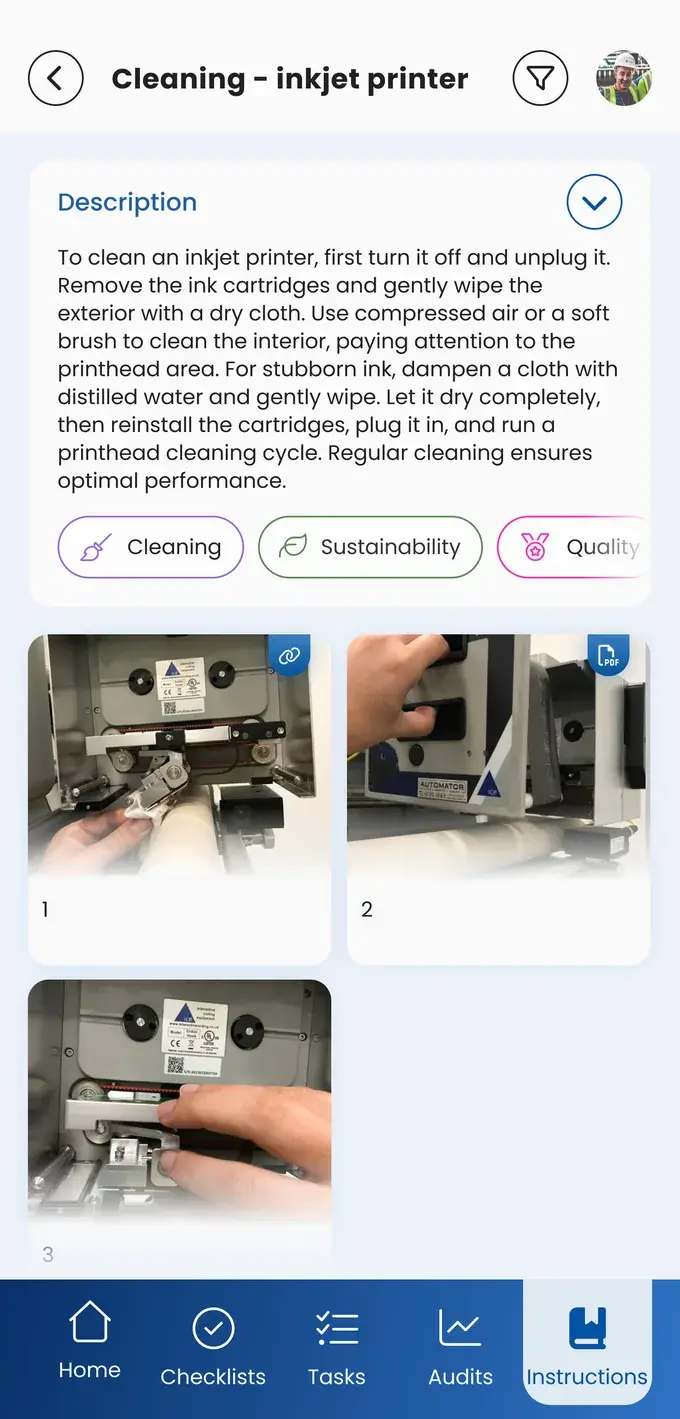
Each cleaning task shows the area with a photo of the clean result, so operators know when the job is done. Cleaning is also the best moment to spot abnormalities, so the cleaning task can include the inspection points of that area. Leaks, wear, and loose parts that operators find during cleaning are reported right away, with a photo.
Inspection: clear criteria at every point
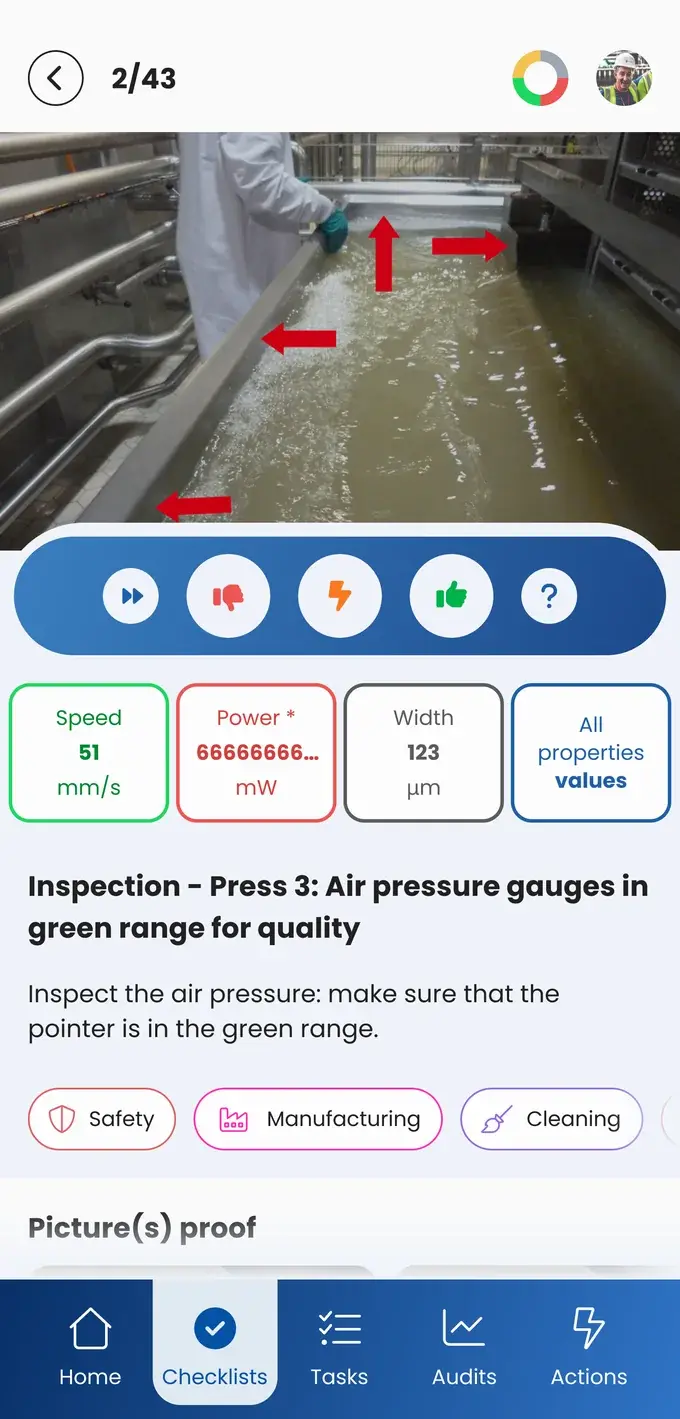
Every inspection point has a clear criterion: OK or not OK, a value within a limit, or a photo to compare with. Operators record the result in the app. When a point is outside the standard, the operator turns it into an action and involves the team leader or maintenance, with the photo attached. Safety devices such as guards, light curtains, and emergency stops can be checked in the same round. See this checklist for safety devices.
Lubrication: the right point, lubricant, and amount
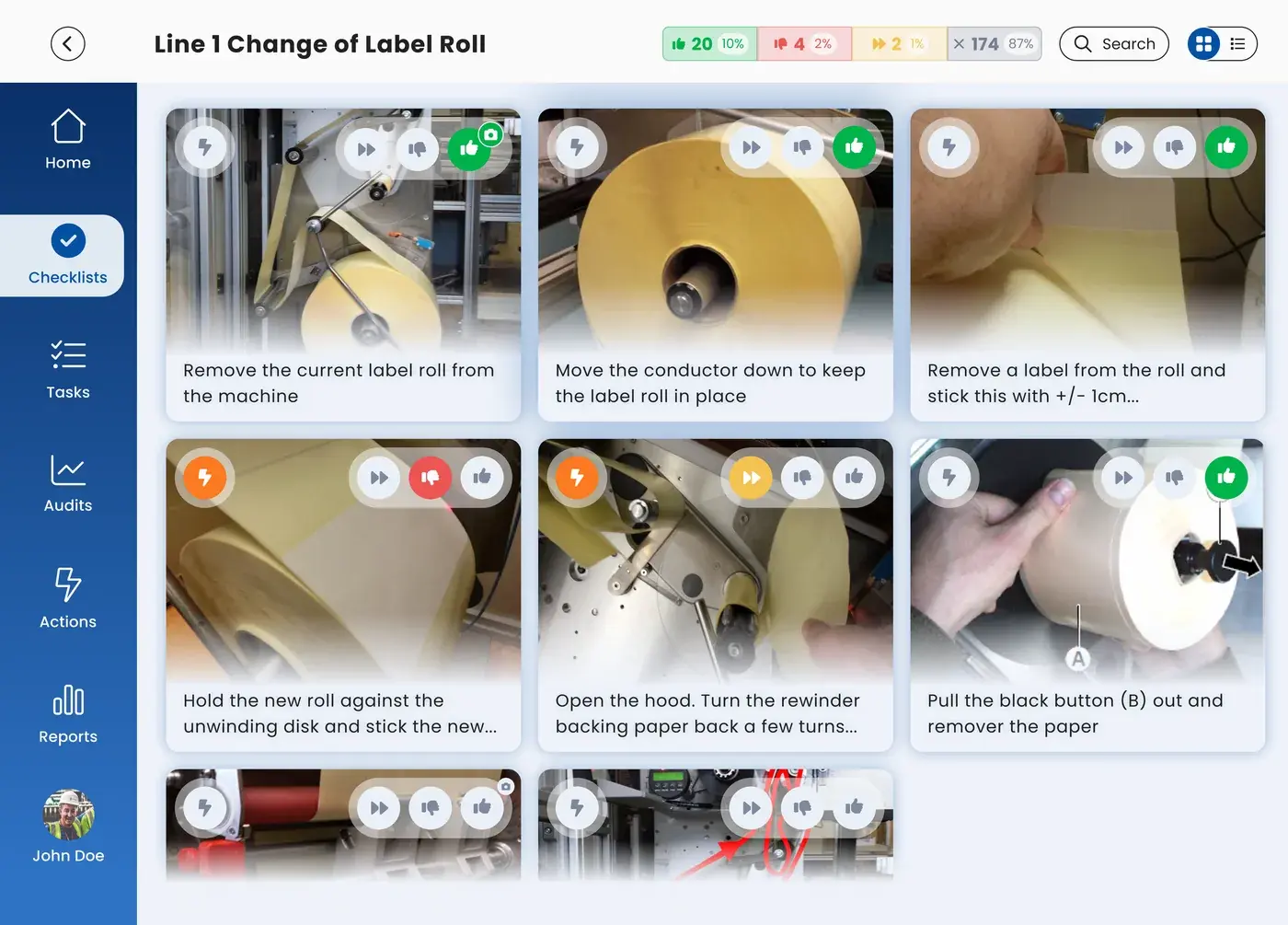
A lubrication task shows which point, which lubricant, and how much, with a photo or short video of the point itself. Lubrication points with a monthly frequency are easy to forget. In the EZ-GO platform, they show up at the start of the right shift, so they are done on time. When a point can only be reached with the machine stopped, the safety steps, such as a lockout and tagout checklist, are part of the same task.
Tightening: check what works loose
Tightening tasks list the bolts and connections that tend to work loose from vibration, with a photo of each one. If you use match marks, the photo shows what a correct mark looks like, so operators can quickly see whether a bolt has moved.
For a single CILT task, a one-point lesson with photos or a short video at the machine is often enough.
Keep the standard as current as the machine
Change the standard where the work happens. When a step can be done better, the operator proposes the change in an action, with a new photo from the tablet. The person responsible for the standard reviews the proposal, gives feedback, and updates the standard. Every shift sees the new version at the same moment.
Adjust frequencies based on what operators find. Sign-offs and findings per task show where a point keeps causing problems and needs a shorter interval or a structural fix. They also show where a check never finds anything and may be done too often.
Copy a standard that works. A CILT standard for one machine can be copied to similar machines, lines, and sites, and adjusted where the machines differ. Other sites receive it in their inbox and adopt it as it is or with changes.
Open the right task at the machine. With a QR code on the machine, operators open its CILT tasks and instructions in one scan.
Why CILT rounds slip in daily work, and what that costs, is covered on the autonomous maintenance page.