

Skip to content

Solutions / QHSE manager

Less time collecting proof, more time improving the standard

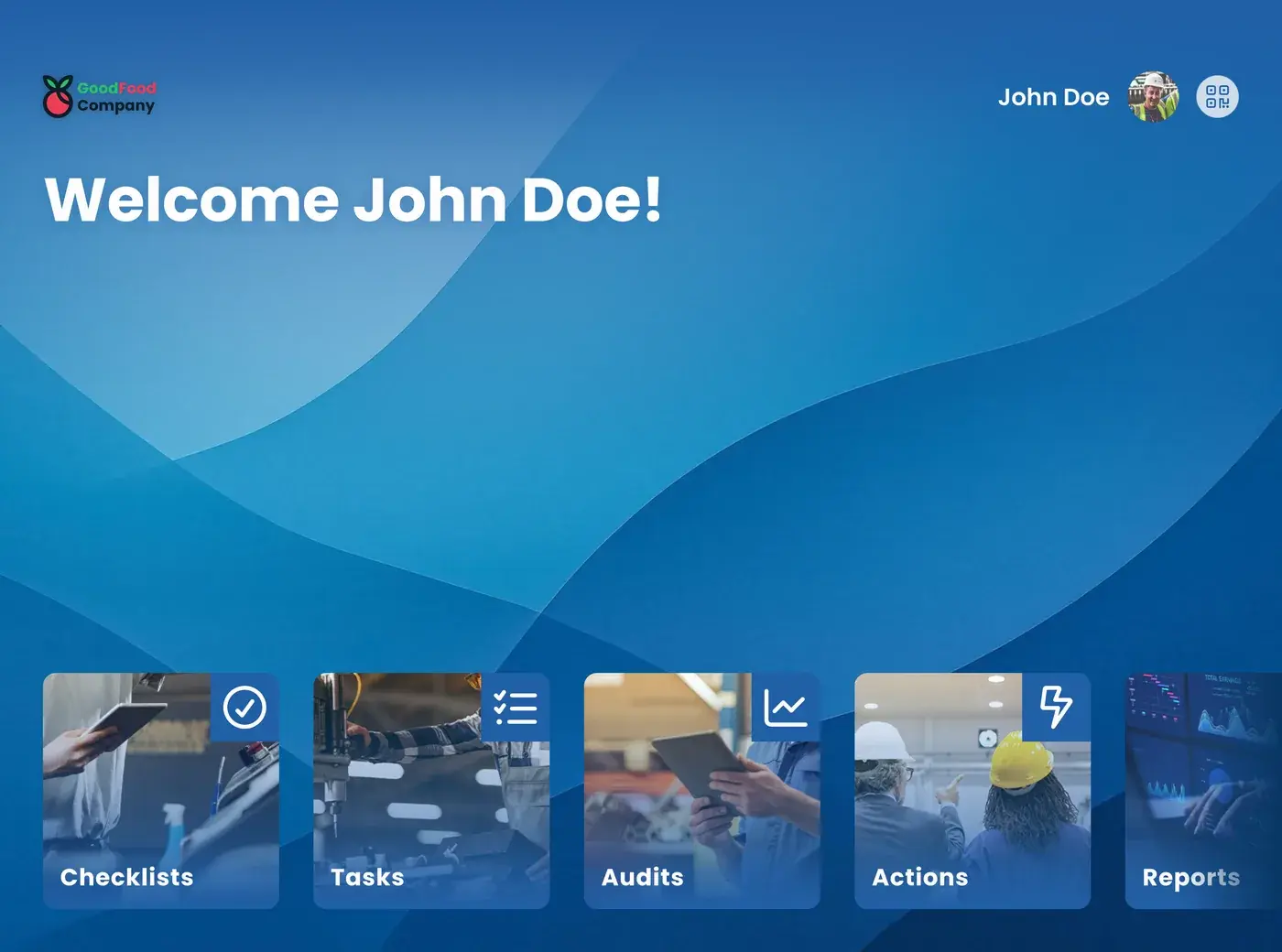
Start screen of the EZ-GO app on a tablet

As a quality, health, safety, and environment (QHSE) manager, you are responsible for standards you do not carry out yourself. With the EZ-GO platform, the checks, audits, and safety steps are done and recorded at the line, so you can see what happened without asking for it.

Your week, before and after

Before

Monday starts with a customer complaint about a wrong label from the night shift. You ask for the records of the label checks and find that two of them were not filled in. On Tuesday, you remind three team leaders about the safety round that was planned last week. On Wednesday, you start collecting proof for the certification audit next month, from four different places. A corrective action from the last audit is still open, and nobody is sure who has it.
After

On Monday, you see which label checks were done on the night shift, with the photos. The two that were missed were already visible to the team leader during the shift. Planned safety rounds show up in the EZ-GO app at the right moment, so you look at the results instead of the planning. For the certification audit, you filter the records by line and period. Every corrective action has an owner and a status.

Three tasks that change for you

From collecting proof to using it

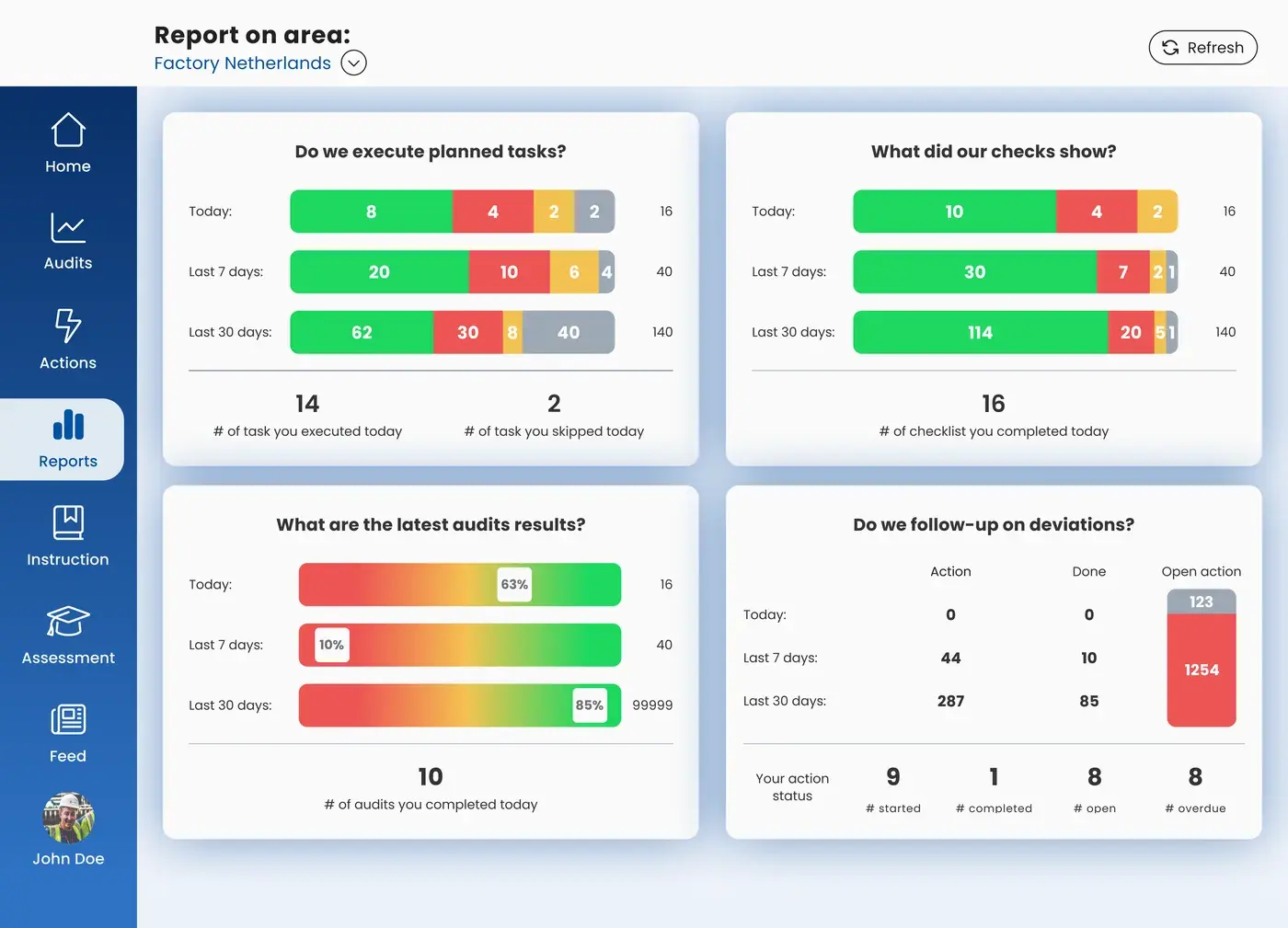
Checks, audits, and tasks are recorded at the moment they are done, with date, time, the person who did it, and a photo. You no longer collect proof before an audit; it is already there. Your time goes to what the records show, such as a check that keeps scoring low on one line. More on audits and compliance.

Report per area in the EZ-GO app

From writing procedures to bringing them to the line

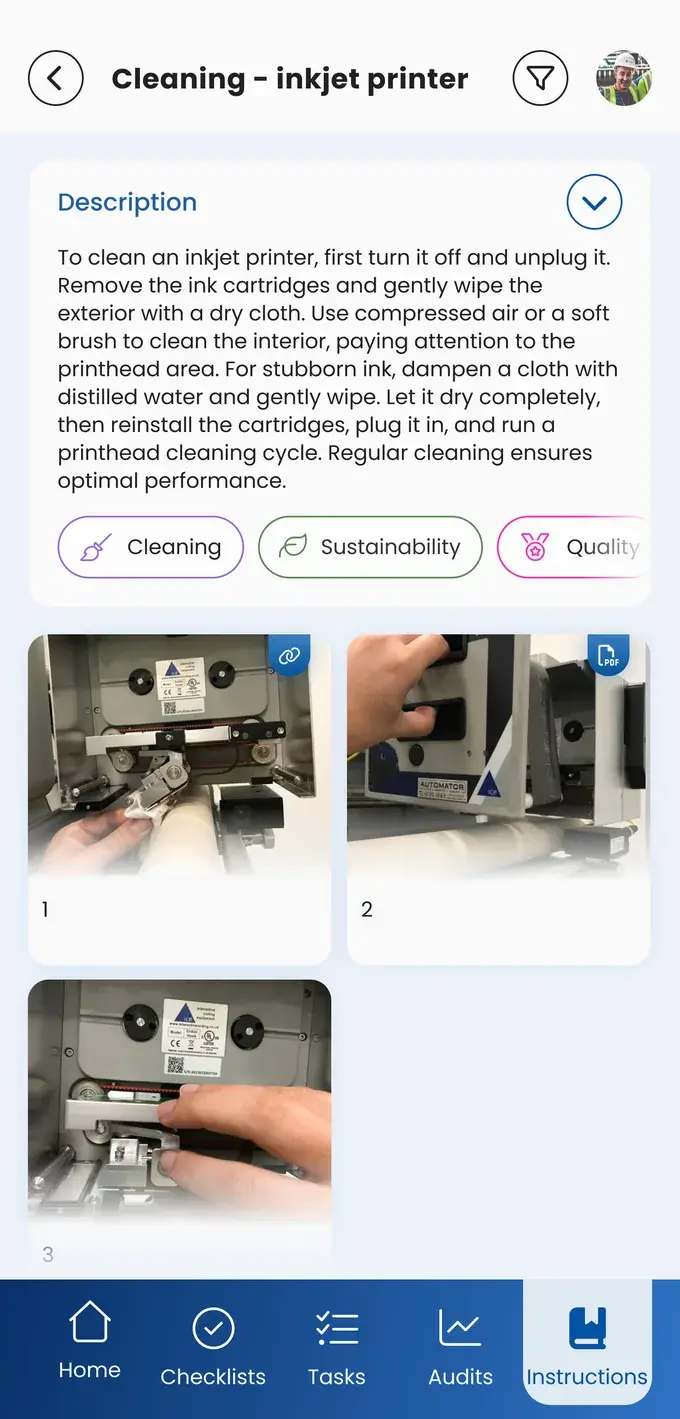
A procedure only works when operators follow it at the moment they do the work. You turn your procedures into work instructions and checklists in the EZ-GO platform, with photos that show the right way. When you change a step, every shift sees the new version the next time they open the task. More on quality and hygiene.

Work instruction with photos in the EZ-GO app

From chasing corrective actions to following them

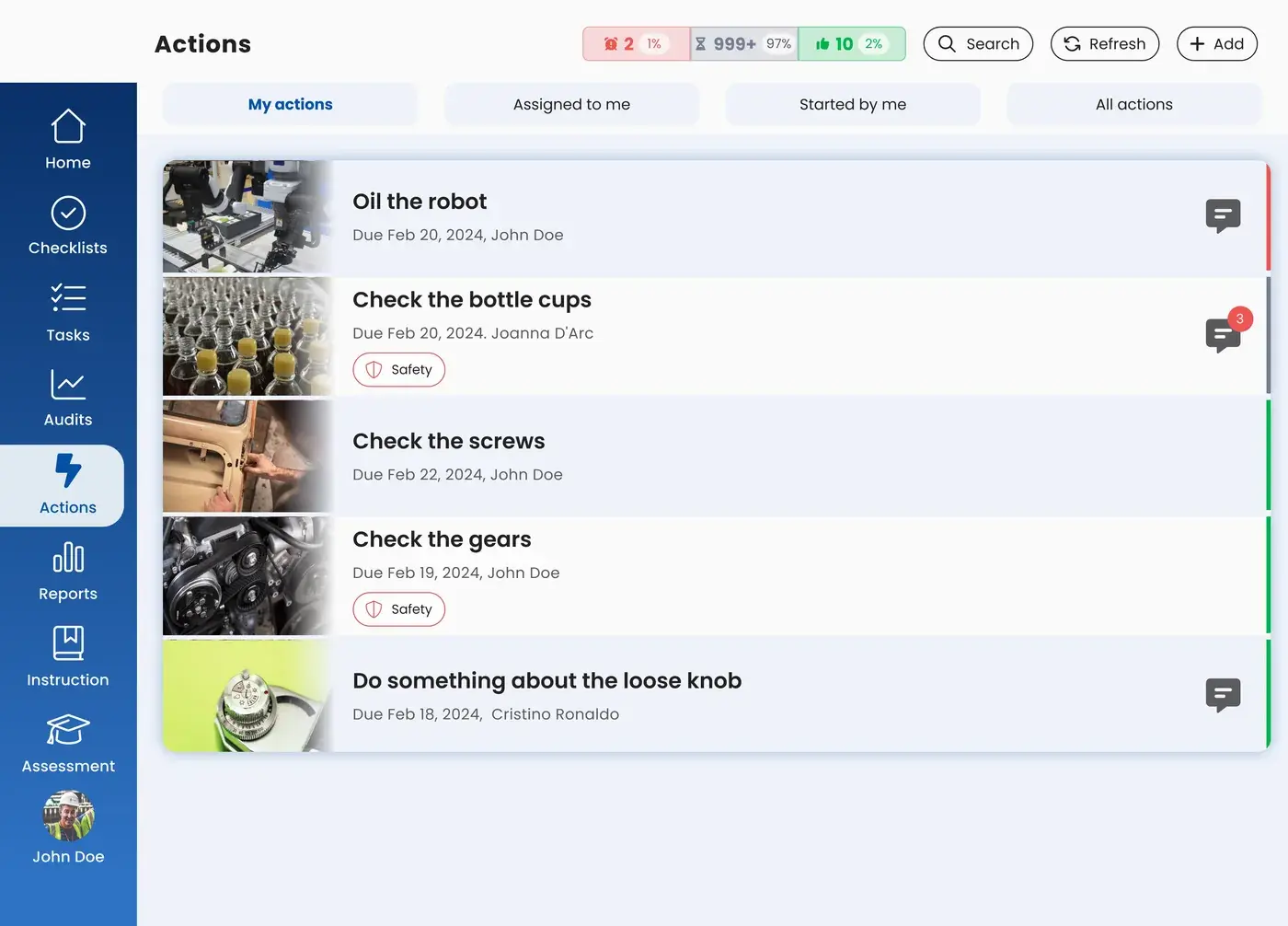
A deviation, incident, or audit finding becomes an action with an owner and a status. You see which actions are open, and the person who reported the problem sees what happens to it. When the problem is solved, the instruction or checklist is updated, so the fix reaches every shift. Read more about corrective and preventive actions (CAPA), and about the improvement loop on the Continuous improvement page.

List of actions in the EZ-GO app

What your colleagues do with it

Operators

Operators follow the instruction at the line, complete their checks with a photo, and report what they see. Some carry out short audits in their own area.

Team leaders

Team leaders see during the shift which checks are late and which actions are open in their team.

Maintenance technicians

Maintenance technicians follow the lockout and tagout steps as a digital checklist before they work on a machine.

Plant managers

Plant managers see where the standard holds across lines, and use the same audit results in their own reports.

Questions QHSE managers usually ask

"We already have a QMS."

Keep it. The EZ-GO platform is not a quality management system. Your QMS stays the place for your procedures, documents, and certifications. The EZ-GO platform brings the checks and instructions from it to the line, and records what was done there.

"Who controls the content? We cannot have operators change procedures."

With user rights and access per area, you decide who can build and change which instructions, checklists, and audits. Operators can suggest a better step in an action. The person responsible for the standard reviews it, gives feedback, and updates the instruction.

"Will an auditor accept digital records?"

Every record shows what was done, when, by whom, and with which photo or value. That is what an auditor asks for.

"Operators will just tick the box."

A photo or a measured value shows that the check was really done. And when operators see that their reports lead to changes, the check becomes part of the job instead of a form to complete.

Questions about the EZ-GO platform for QHSE managers

What does a QHSE manager do?

A QESH manager is responsible for quality, health, safety, and environment in a plant. The role sets the standards, checks whether they are followed through audits and inspections, and makes sure deviations and incidents are followed up. Related titles are EHS manager, HSE manager, QESH manager, and quality assurance manager. Read more about what health, safety, and environment covers.

How does the EZ-GO platform support quality, safety, and environment at the same time?

The same functions are used for all three: checklists for quality and hygiene checks, audits for safety and environment rounds, work instructions for safe and correct work, and actions for deviations and incidents. Production, QHSE, HR, and maintenance use them in the same platform.

How much work is it to set up?

Most teams start with the checks or audits that cost the most time today, on one line or area. QA builds them together with team leaders, and adds more once the first ones run well.

Can we use the EZ-GO platform for safety rounds and incidents?

Yes. Safety rounds run as audits that are planned at fixed moments. An operator who sees an unsafe situation reports it in the EZ-GO app with a photo, and it becomes an action with an owner. Lockout and tagout steps can run as a digital checklist. Read more on the Safety page.

Bring your toughest audit question

In a short demo, we show you how a check, an audit, and a corrective action work in the EZ-GO app, and what you can show an auditor. Invite your plant manager, or send him this page.

Business case

Request the business case

We help you draw up a business case that clearly maps out the financial benefits. Leave your details and we will contact you.

We use your details to contact you about your business case. Read our privacy policy.