What changed
- A new, more modern look and feel
- One web-based platform instead of separate apps (Android and iOS)
- A few buttons moved to a new place
Language
Since 12 August 2026, everyone works in the renewed EZ-GO: a new look and feel and a more user-friendly app. The work your operators do every day stayed the same, a few actions just go a little more smoothly. All checklists, tasks, data and settings carried over automatically.
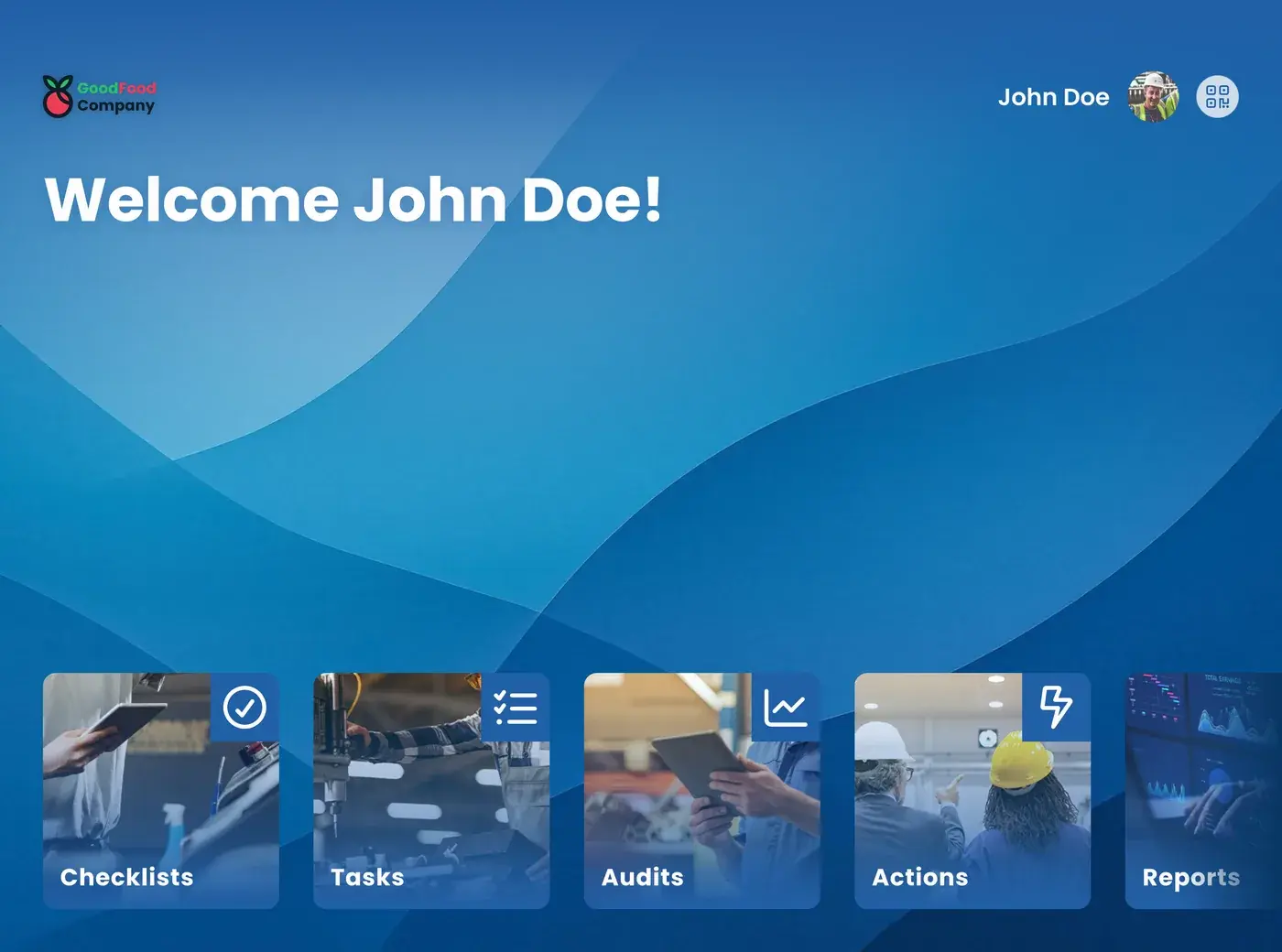
What you and your team do every day didn’t change. The renewal is in the EZ-GO app that operators use. The CMS where you manage checklists, tasks and settings stayed the same. The overview below shows exactly what changed and what stayed the same.
A cleaner, more modern interface across every part of EZ-GO.
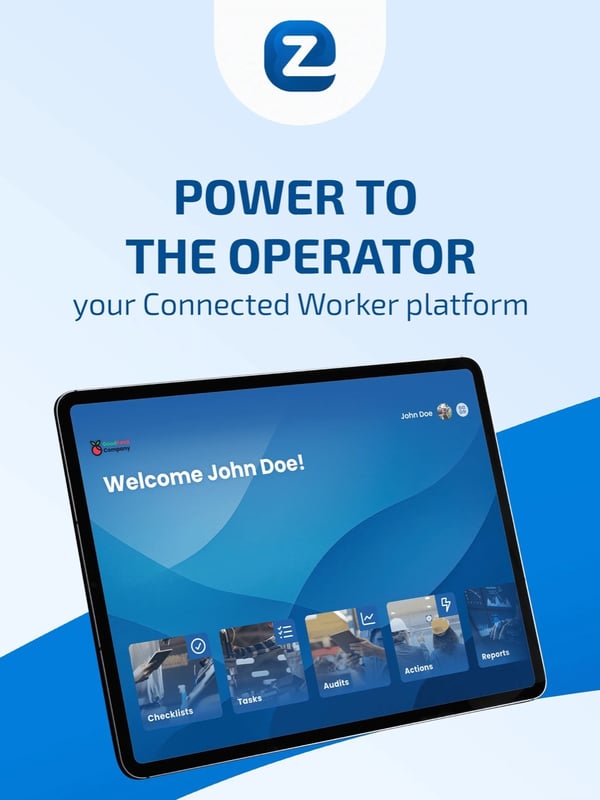
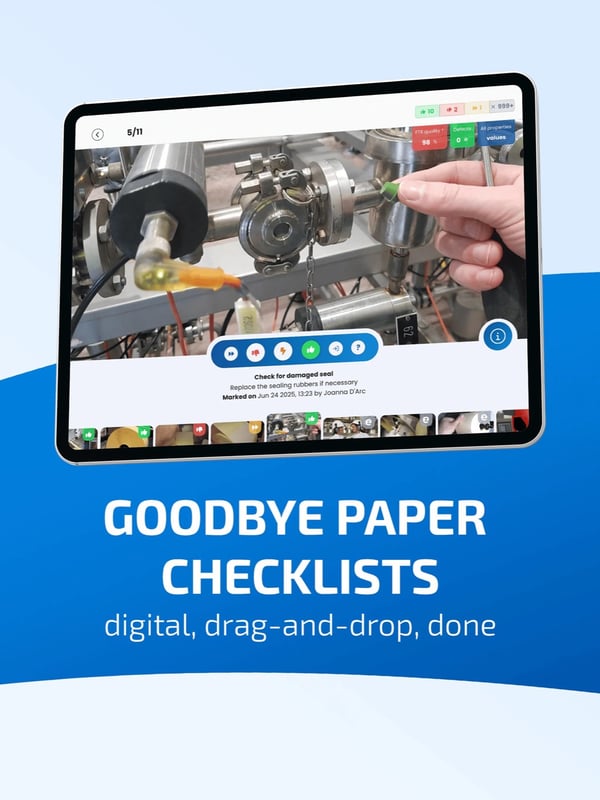
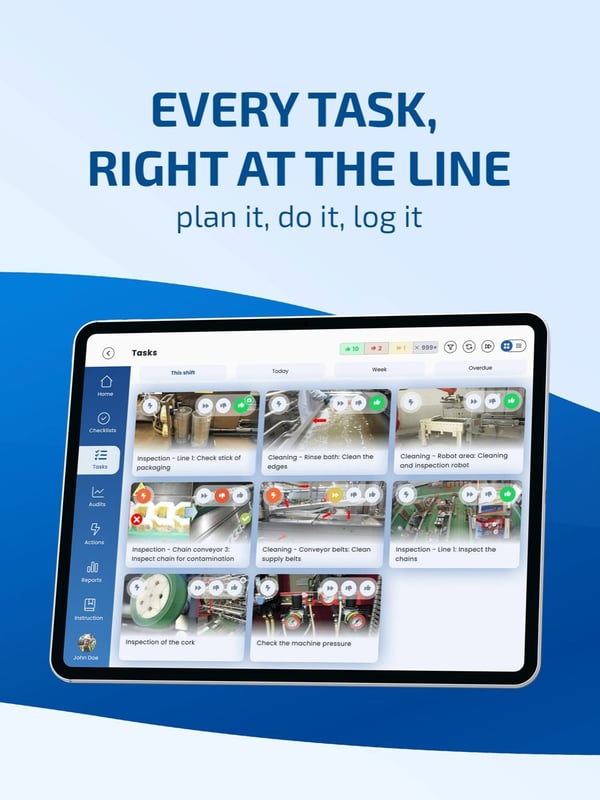
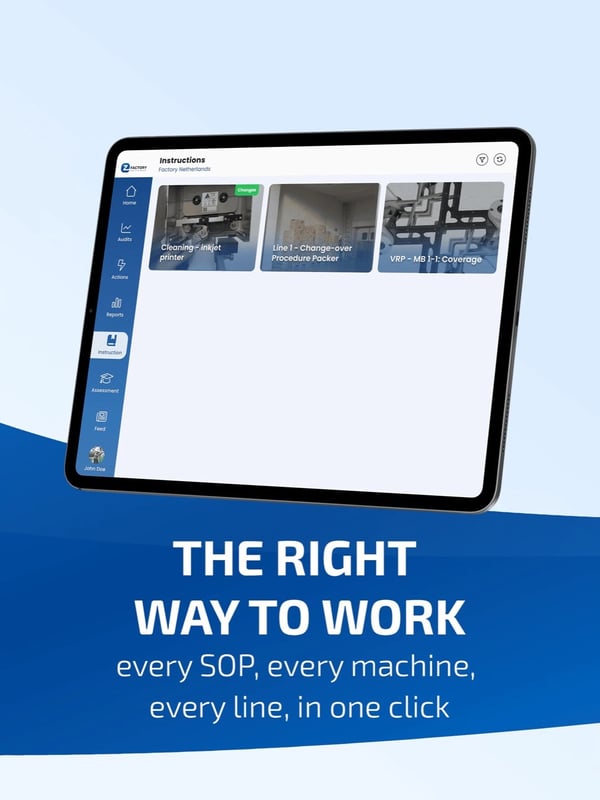
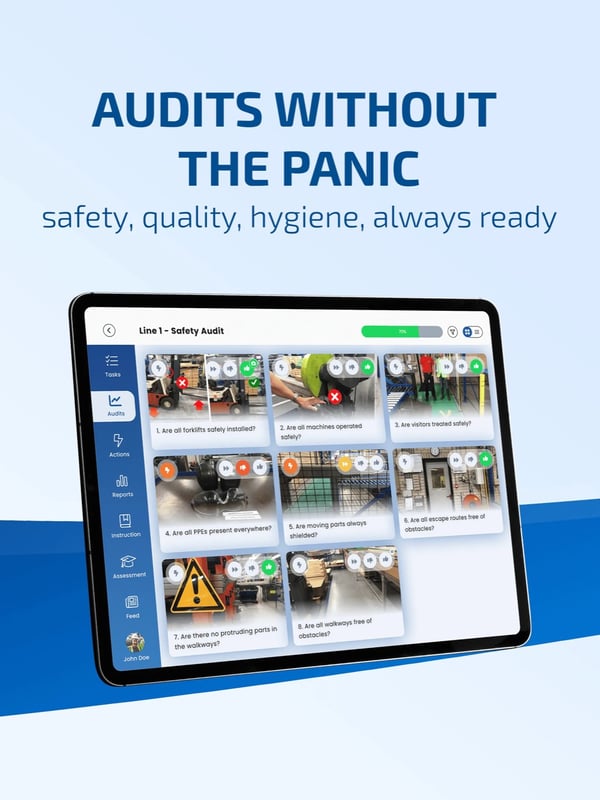
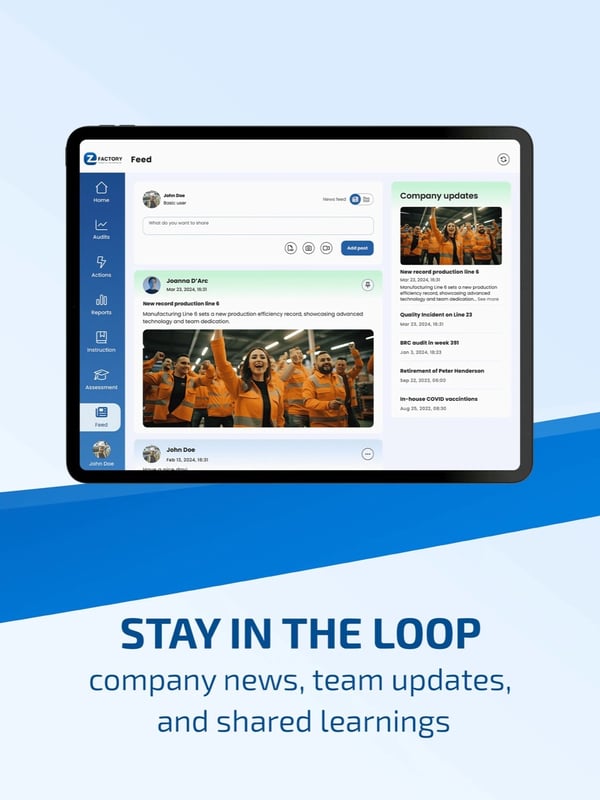
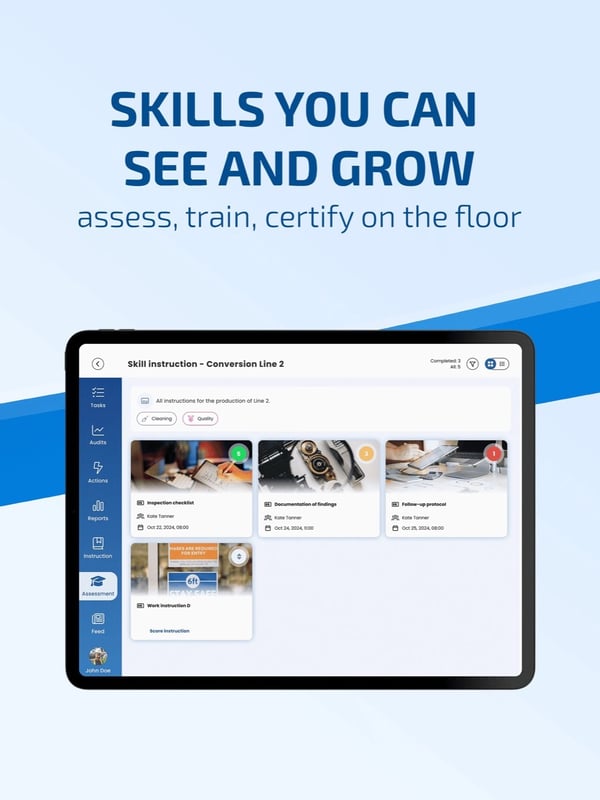
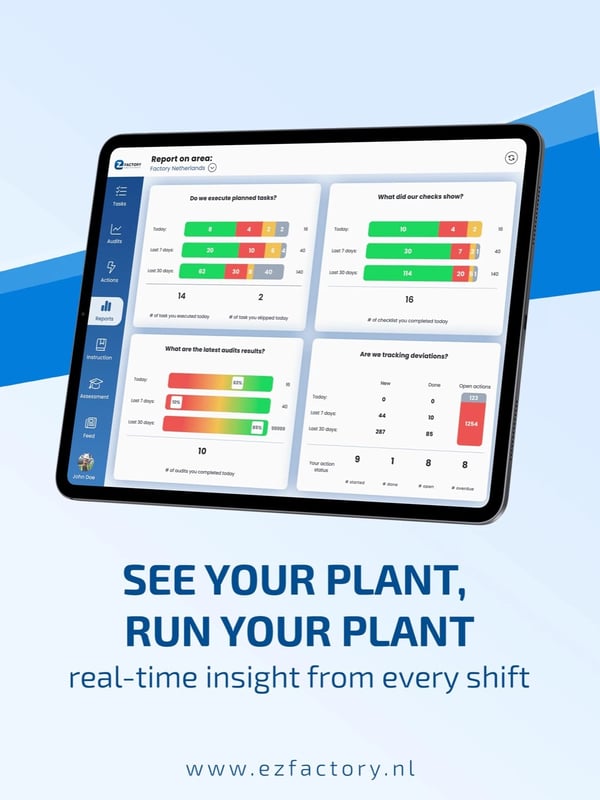
EZ-GO has a fresh new look. These are the benefits your operators experience while using it.
The username is remembered, so your operators get started faster.
The progress chart opens right away.
In a few taps you’re in the right place.
The transition was meant as an improvement, not a hurdle. A new look takes some getting used to, so we make it as easy as possible. Here’s what we promise you.
Everything was carried over automatically and stayed just as it was.
Your operators do their work just as they’re used to. The EZ-GO platform simply looks more modern and clearer.
On this page you’ll find the FAQ, and your regular contact within your organisation is ready to help.
A modern platform that we’ll keep improving step by step. This is just the beginning.
You know your shift best. Since 12 August, operators see a welcome message with an explanation the first time they log in to EZ-GO. Note the distinction: operators work in the app (which was renewed), while the CMS you manage stayed the same. Here you’ll find everything to reassure your team.
On first login, a welcome message appears with brief information. Beyond that, they don’t need to do anything.
Same work, new look for EZ-GO: everything is preserved. Mention that a new look takes a little getting used to, and that everything is right where it should be.
Point your team to this page, the FAQ below and your regular contact within your organisation.
There was nothing you needed to prepare. Below you’ll see what happened and what comes next.
Everyone logged in as always and saw the renewed EZ-GO. A welcome message gave a brief explanation.
Questions or need help? We’re on standby and help you and your team quickly. You work in one modern platform, so everyone is ready for what the future brings.
You continue on one modern platform that we keep improving step by step.
Install EZ-GO as a web app on your device: as easy to open as a regular app, with an icon on your home screen. Go to app.myez-go.com and follow the steps for your device type.
Tip for team leaders: share these two step lists with your operators so everyone adds EZ-GO to their device the same way.
We understand that change can raise questions. That’s why we’ve answered the most frequently asked ones for you below.
On 12 August 2026. Since then, everyone automatically works in the renewed EZ-GO.
No. Most users didn’t need to do or prepare anything. Your checklists, data and settings are ready in the renewed EZ-GO app. Still using the EZ-GO Plus app? Then we’ll help you with the switch, see the question about the EZ-GO Plus app below.
Yes. You move to the WebApp. Can’t figure it out? Contact your Customer Success Consultant and we’ll guide you step by step.
Yes. All your checklists, data, settings, history and configurations were carried over automatically. So you can simply keep working with everything already in EZ-GO.
No. Your work stays the same. EZ-GO only had a makeover and a few buttons are in a new place.
EZ-GO now runs as a single web-based platform, with a modern, clear look. Under the hood it’s faster and future-ready.
No. Only the EZ-GO app that operators use got a new look and feel. The CMS where you manage checklists, tasks, users and settings keeps working just as you’re used to. Everything you set up was preserved.
For the best experience, we recommend downloading the EZ-GO app on first login. You can download the EZ-GO app from the login screen using the install button (top right).
Yes. It worked exactly like a regular update: you were logged out and logged back in as normal. Since 12 August, you work directly in the renewed EZ-GO.
Yes, always. You can turn to your regular Customer Success Consultant, our support department and this FAQ. We’re happy to help.
Yes. We’ll keep improving EZ-GO step by step, and this is just the beginning.
Have a question that isn’t answered above? Ask it, and we’ll be happy to answer.